Put your guest welcome on the room TV
Welcome guests on their room TV. Show Wi-Fi details and house information alongside your local recommendations.
An independent tool for hosts. Kinosign is not affiliated with Airbnb. Property pilots start with general welcomes and manually checked information.
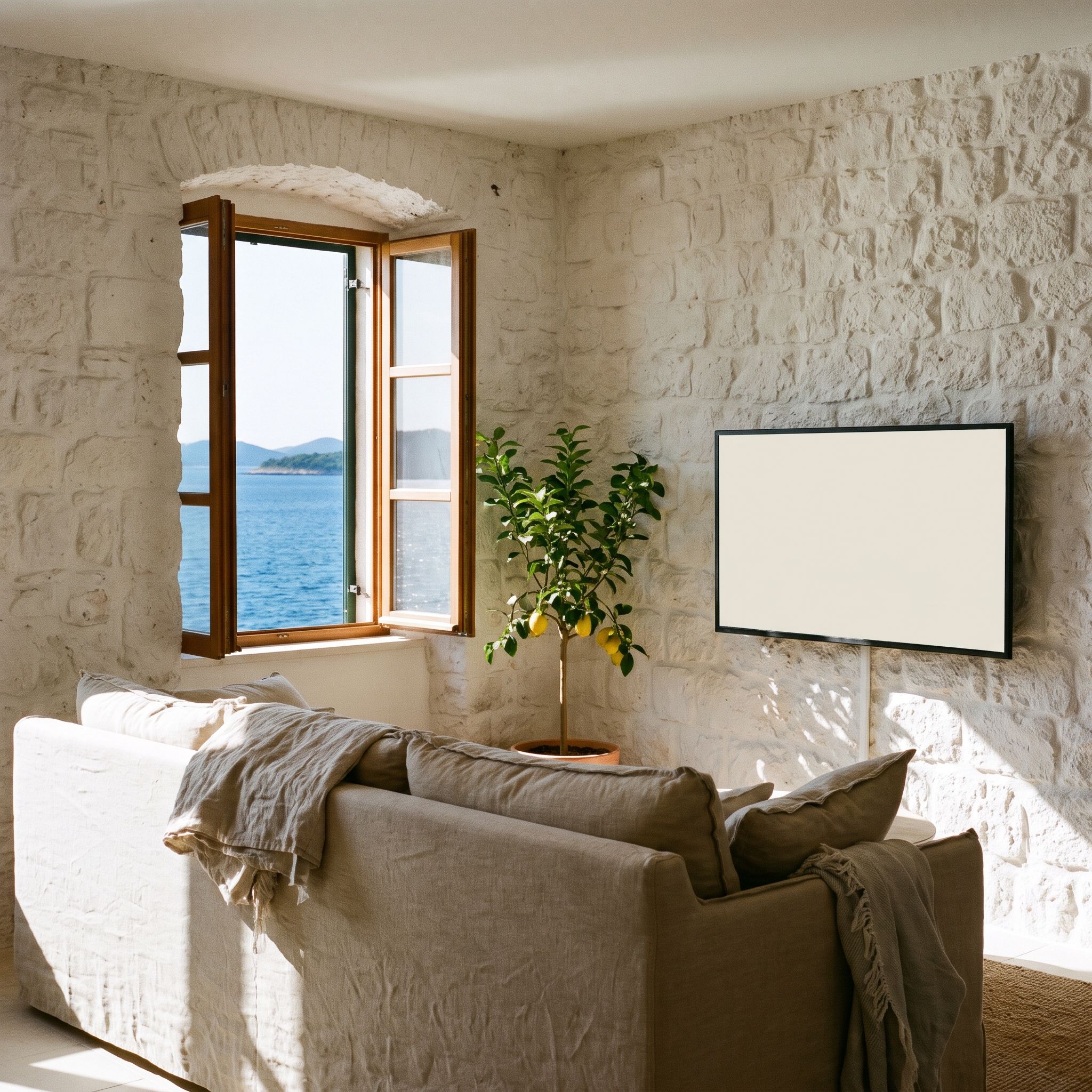
Show the Wi-Fi network and checkout time
Show the Wi-Fi network, checkout time and how to contact you. Use your own QR code for a longer guide. Update the information when something changes instead of leaving an old note by the TV.
- Test the Wi-Fi details as a guest would.
- Keep access codes away from public screens.
- Include a contact route that guests can actually use.
Share a local recommendation.
A morning market, a walking route or a boat trip can help guests settle in. Choose places you know and check their details. Clearly identify any paid promotion or booking commission.
- Keep opening times current.
- Use a short, readable local tip.
- Prepare separate messages for the languages your guests use.
Check what guests see when the TV starts.
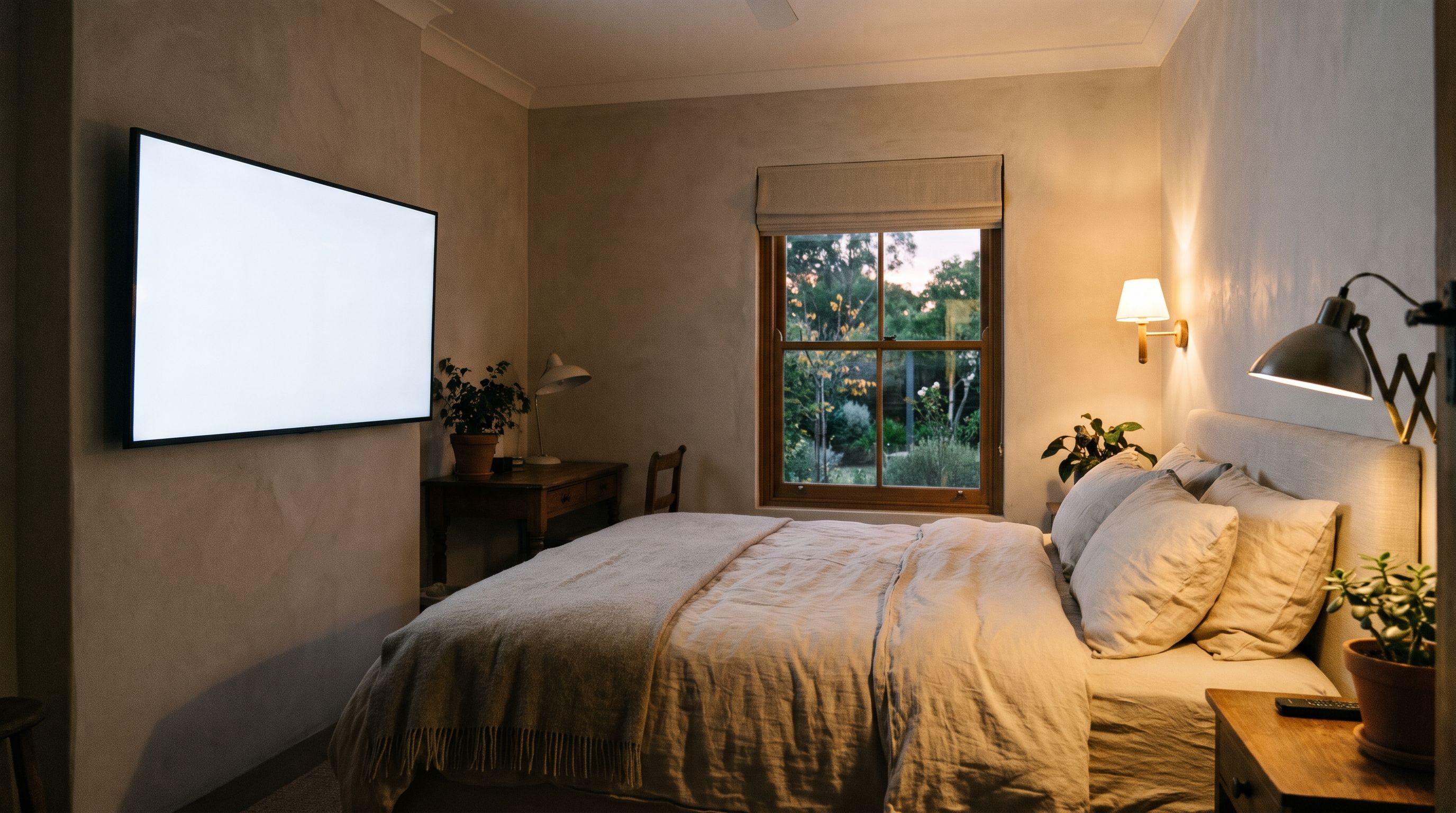
Start with one property and a general welcome screen. Check what happens when the TV starts, how the remote works and how guests return to regular TV. Clear any stay-specific content between bookings.
Check the TV and playerTell us about your first guest screen
Tell us what you want to show, which screens you have and where they will be used.
This opens an email to us with your setup details filled in. No screen or channel is added by this form.
Questions about Kinosign
Does this connect to Airbnb or my booking system?
No booking-system connection is part of the launch offer. You manage the welcome information yourself. No Airbnb partnership is implied.
Can the screen change language for each guest?
You can prepare separate designs in the languages your guests use. Automatic translation and guest-language detection are outside the initial offer.
What if a guest changes the TV input?
That behavior depends on the television and player. Test the input controls and write a short return-to-welcome instruction before relying on a room-TV setup.
Can I add my own property channel?
That is an optional, separately quoted service. Use your own videos and rights-cleared sources. It does not include a package of television stations.
Plan your content and TV setup
Start by checking one screen
Preview your menu or notice before showing it on a compatible screen.
Check my setup