Show guests breakfast times and arrival details on TV
Put breakfast times, arrival information and local tips on compatible screens. Add your property’s own channel for videos and live events.
Pilot-led setup. Room TVs, remote controls, guest access and return-to-TV behavior need checking for each property.
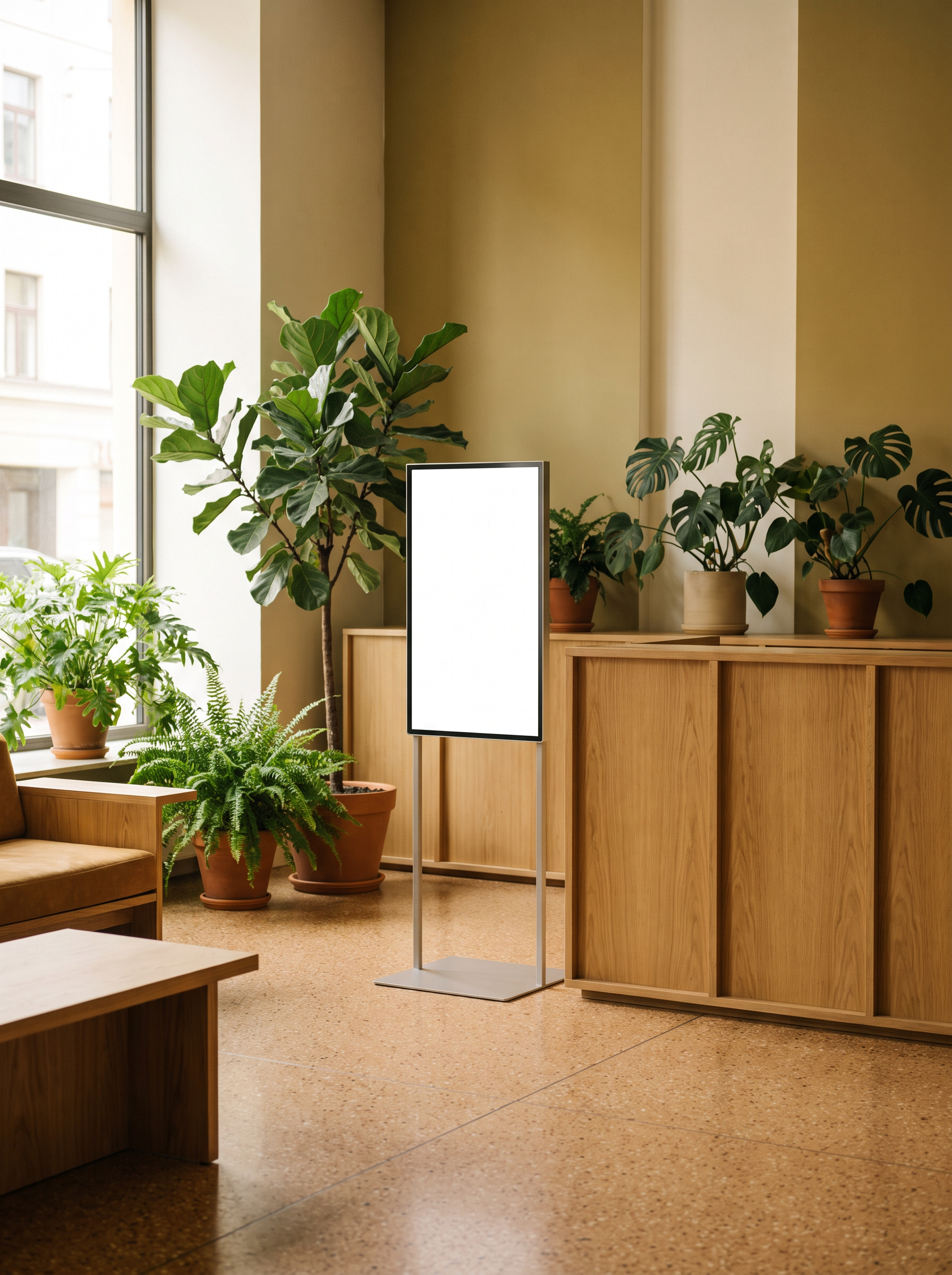
Help guests find their way.
Use lobby screens for breakfast hours, today’s activities and directions. Keep arrival details together. Keep private guest information away from shared displays.
- Start with one lobby screen.
- Use a general welcome message.
- Give every activity a clear time and place.
Make a channel for your property.
Schedule videos about nearby places, your facilities or upcoming events. Add a live broadcast when it is relevant. Choose which screens show your channel.
- Use your own footage or rights-cleared material.
- Identify paid local promotions clearly.
- A package of broadcast TV stations is not included.
Try the whole stay with one room TV.
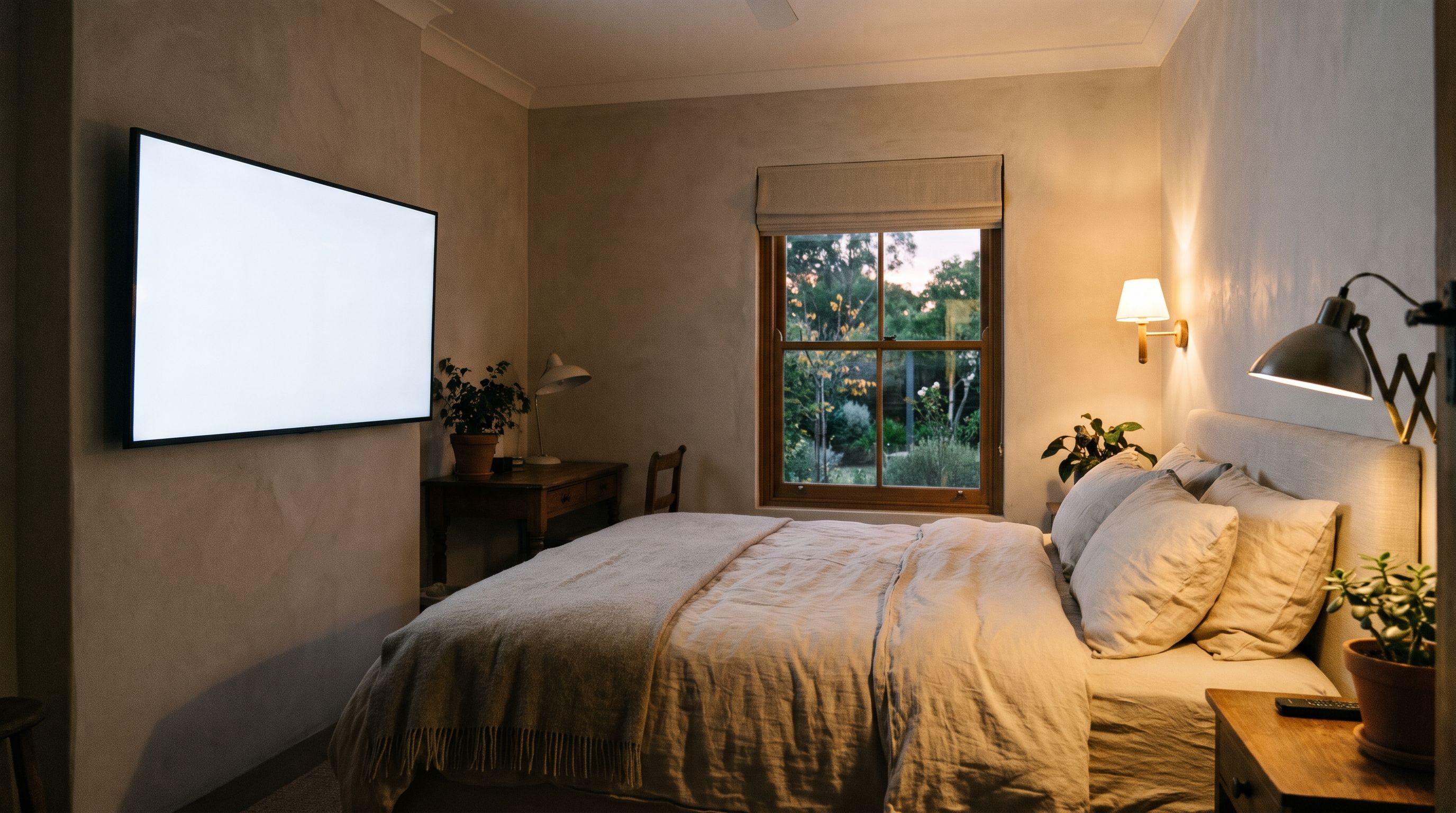
Tell us the TV models, number of screens and how guests use the TVs. The hardware, network and guest controls need a review before a lobby or room setup is recommended.
Review the device checklistTell us about your first guest screen
Tell us what you want to show, which screens you have and where they will be used.
This opens an email to us with your setup details filled in. No screen or channel is added by this form.
Questions about Kinosign
Does Kinosign replace our hotel TV system?
The first offer covers signage and your own property content on compatible screens. Existing hotel TV systems, channel lineups, guest casting and room controls need a separate assessment.
Will the welcome open when a guest turns on the TV?
That depends on the TV, player and configuration. Check the exact model before planning the guest experience. Automatic start is not promised for every TV.
Can it greet guests by name?
Automatic guest names and booking-system connections are not part of the launch offer. Start with a general welcome. Avoid guest details on shared screens.
Can guests use the TV normally?
Input selection and return-to-TV behavior depend on the setup. Both need testing before room use. Guests need a clear way to reach the functions you provide.
Plan your content and TV setup
Start by checking one screen
Preview your menu or notice before showing it on a compatible screen.
Check my setup