Keep team news in view.
Put company updates, calendar reminders and live broadcasts on shared office screens. Schedule them for the places your team uses every day.
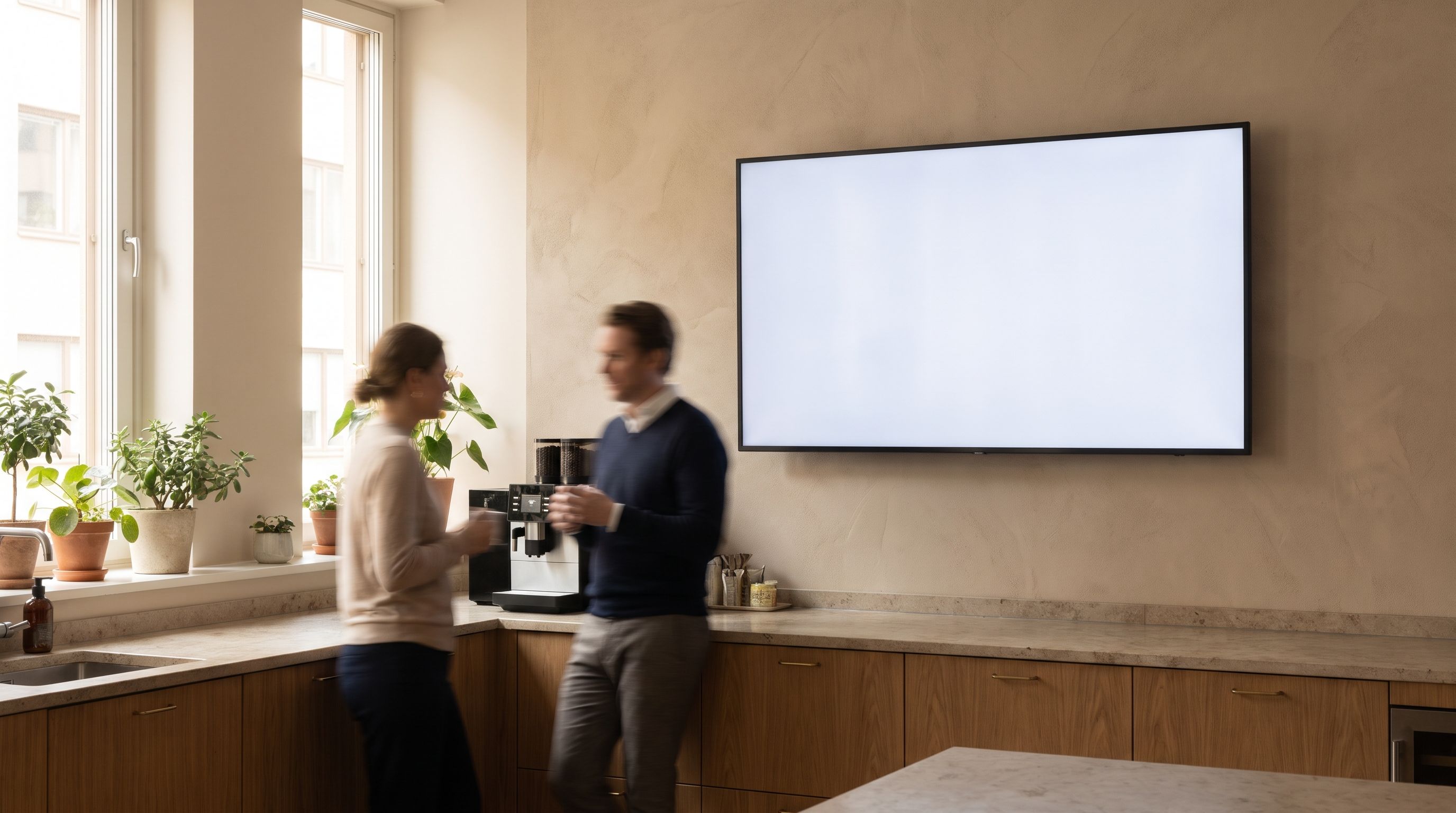
Set where each update appears and when it ends
Welcome a new colleague, share a team win or post a reminder for Friday’s event. Choose where each message appears and set its start time and end date.
- Use the break room for team-wide updates.
- Keep visitor information on reception screens.
- Check the next change in the screen’s local time zone.
Start with the details you want to share. Review the draft and preview it at screen size. Publish when the wording is ready. Leave long documents in the places your team already uses.
Try the announcement templateKeep visitor welcomes at reception.

Add a live company broadcast to your own channel. Schedule approved videos between live sessions. Keep internal content on screens intended for your team, and test access before the meeting starts.
Explore live channelsCheck the player before walking over.
See when the player last connected and when its latest screenshot was taken. Get an email when it goes offline. Use that information to decide whether someone needs to check the equipment.
Questions about Kinosign
Can I upload a presentation?
PowerPoint, PDFs and Google Slides are planned launch formats. Format support and playback need checking before you rely on animations, fonts or online content.
Can it display private dashboards?
Authenticated dashboards need a separate check. Do not assume a page behind a login will work. Tell us about the source and access requirements before putting it on a shared screen.
Does it include SSO and approval workflows?
SSO and enterprise workspaces are later scope. If your organization requires them, discuss those requirements before starting a rollout.
Can I use it for emergency alerts?
Emergency alerting is outside the launch offer. Use your established emergency communication system for urgent safety messages.
Plan your content and TV setup
Put your first menu or notice on TV
Preview your menu or notice before showing it on a compatible screen.
Start with 3 free screens