Show notices where staff and visitors pass
Show announcements on a screen people pass every day. Welcome someone new, share a reminder and give every update an end date.
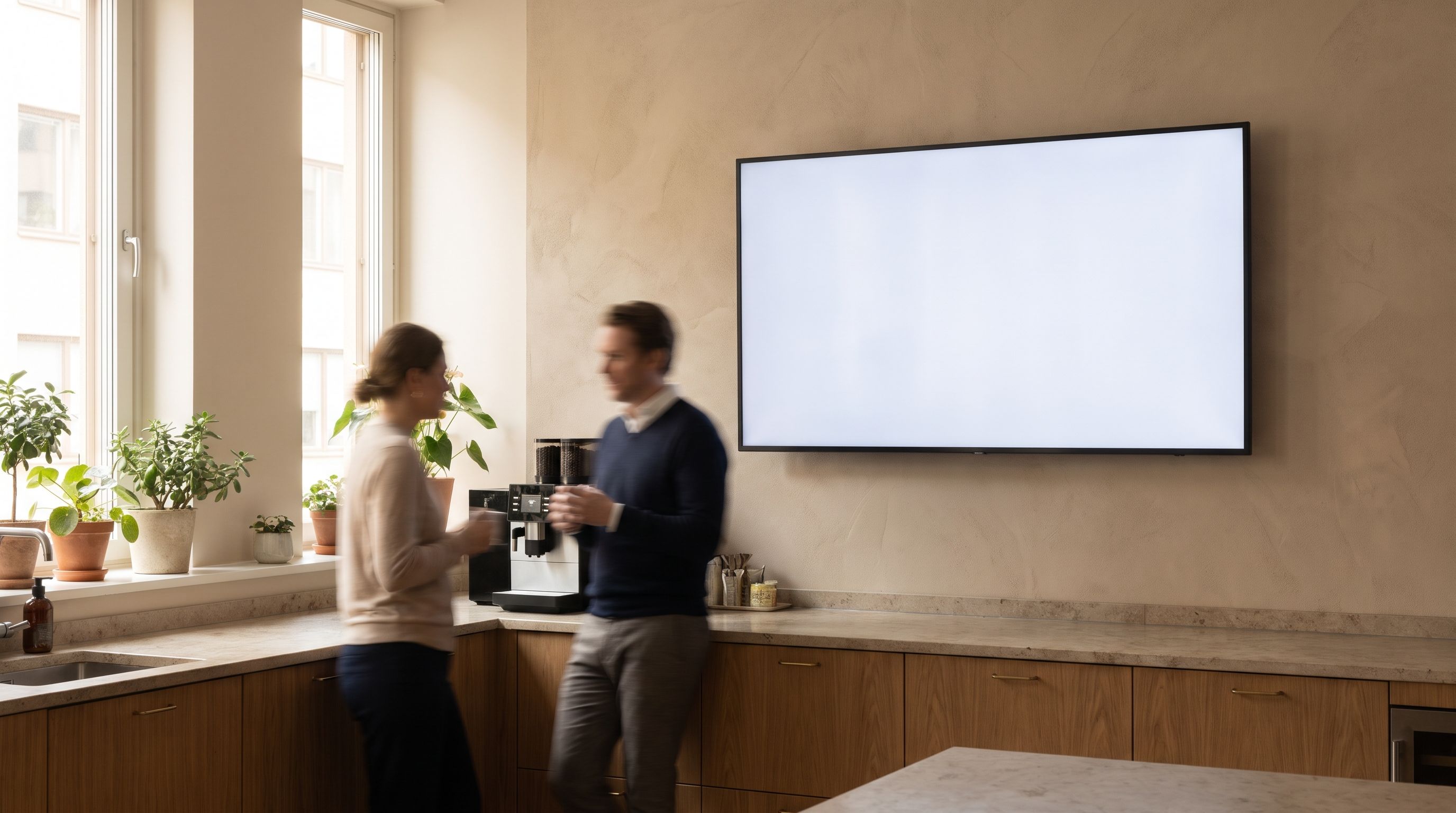
Keep each notice short enough to read in passing
A notice board works best when a passer-by can understand each update in a few seconds. Lead with the announcement. Include where and when it happens, and what to do next.
- “Team breakfast, Tuesday at 09:00” is enough for a headline.
- Keep long policy documents on a separate page.
- Use a short link or your own QR code for the full details.
Set an end date for temporary notices
Decide when a notice should appear and when it should come down. An end date takes old notices down even when the person who posted them gets busy.
- Assign someone to review the board each week.
- Schedule reminders where the relevant team gathers.
- Leave breathing room between notices.
Show visitor notices at the front desk

Put a welcome in reception and a team update in the break room. Different audiences need different messages. Keep private staff details off visitor-facing screens.
Plan your office screensQuestions about Kinosign
Can this replace an emergency alert system?
No. Emergency alerting is outside the launch offer. Use your established emergency communication system for urgent safety messages.
Can I reuse the same notice in several places?
Prepare one approved design and assign it to the relevant screens in the app. Check that the audience, dates and room information make sense in each location.
Can the screen show a calendar?
Calendar feeds are in the planned widget set. Only use an approved feed with appropriate access. Live connections and refresh behavior need verification before a rollout.
Plan your content and TV setup
Put your first menu or notice on TV
Preview your menu or notice before showing it on a compatible screen.
Start with 3 free screens