How to put menus and messages on your business TVs
Read about TV menus, screen setup and pricing. We’re building a signage app, so keep that in mind when reading our competitor comparisons.
RSS feed

Menu labeling rules: calories on US menu boards
Check the FDA’s 20-location rule, calorie placement and required notices. A QR code or tiny footer cannot replace information required on the menu board.
Guides
Digital signage installation on a TV you already own
Install signage on an existing TV without creating a daily remote-control job. Check player support, power, mounting and the first unattended restart.
Comparisons
Raydiant alternatives: what to ask Displai for
Raydiant now redirects to Displai. Compare its quote-led offer with published signage prices when you need menus and promotions, not a wider system.
Menus
Happy hour menu on TV that ends on time
Schedule a happy hour menu with a real finish. Avoid Yodeck’s direct-layout expiry trap and return to normal prices without leaving a blank screen.
Guides
Android TV digital signage: what to check first
Choose Android TV signage by model and startup behavior. ScreenCloud warns against 24/7 consumer-TV use; check the display before buying a fleet.
Comparisons
Fugo alternatives: cheaper ways to run three screens
Fugo Essential costs $720 a year for three screens; Core costs $1,080. Compare cheaper notice plans without losing dashboard features you use.
Menus
Menu board font size: can the queue read your prices?
Choose TV menu text using real screen size and queue distance. Try a practical font-size exercise, then check the smallest price instead of the headline.
Comparisons
NoviSign alternatives without the $204 Canva add-on
NoviSign puts Canva in Business Plus at $17 per screen/month, billed annually. Compare that $204 yearly bill with simpler menu and notice plans.
Guides
Digital menu board vs TV: when your TV will do
An ordinary TV can be a digital menu board. Check hours, glare and mounting before buying a commercial display, then make the menu fit the screen.
Comparisons
Best digital signage for restaurants, by the real bill
Compare restaurant signage on three-screen bills, menu edits and integrations. See why a free screen, annual rate or cheaper tier can mislead.
Menus
Canva menu on a TV: export it, upload it, done
Put a Canva menu on a TV with an image, PDF or linked design. See Yodeck’s internet requirement and redraw your PDF with Kinosign’s free menu maker.
Comparisons
Rise Vision alternatives for shops and offices
Rise Vision Advanced is $138 per display, annually only. Compare simpler shop and office plans while preserving school alerts where they matter.
Guides
Digital signage examples worth copying this week
Seven menu, shop, gym and welcome-screen examples. Start with the question in the room and count software plus players before buying.
Comparisons
ScreenCloud pricing: $720 a year for three screens
ScreenCloud’s $20 Core rate is billed annually. See the $720 three-screen commitment, Pro’s $1,080 total and the 30-day non-renewal deadline.
Menus
Menu board ideas: digital, printed or chalk
Compare chalk, print and TV menus by the work they create. See why three Yodeck Basic screens cost $24/month and when a smaller setup is enough.
Comparisons
Xibo digital signage: free software, real hosting work
Xibo’s core is free, but self-hosting, commercial players and major upgrades need a budget. Decide who owns the server before choosing the software.
Menus
Coffee shop menu board ideas that end the price hunt
Keep coffee choices and size prices visible. See practical layouts, the OptiSigns custom-font tier, and a free way to redraw your existing menu PDF.
Comparisons
OptiSigns pricing: $30 to $90 for three screens
OptiSigns pricing rises from $30 for three Standard screens to $90 on Engage. Compare tier costs, free-plan limits, add-ons and annual commitments.
Comparisons
Free digital signage software: where $0 stops
Yodeck’s free screen becomes paid when you add another. OptiSigns offers three restricted free screens. Compare those limits with Xibo self-hosting.
Menus
Daypart menu boards: breakfast, lunch and dinner on a timer
Schedule breakfast, lunch and dinner menus around kitchen hours. Avoid Yodeck’s layout-expiry trap and keep the right prices visible after each change.
Comparisons
ScreenCloud alternatives under $720 a year
ScreenCloud Core costs $720 a year for three screens. Compare lower-cost menu and notice plans, required features and the deadline for leaving.
Guides
Digital signage cost: screen prices and the full bill
Compare digital signage costs across ten vendors, including three-screen bills, paid feature tiers, annual minimums, players and first-year expenses.
Comparisons
Yodeck vs OptiSigns: $24 or $30 for three screens
Yodeck vs OptiSigns on real bills: compare three paid screens, restricted free plans, account-wide upgrades and the features that raise the price.
Comparisons
OptiSigns alternatives for menus and promos
Compare OptiSigns alternatives when integrations push up the bill. Check Yodeck’s $24 three-screen plan, free-device limits and menu-focused options.
Guides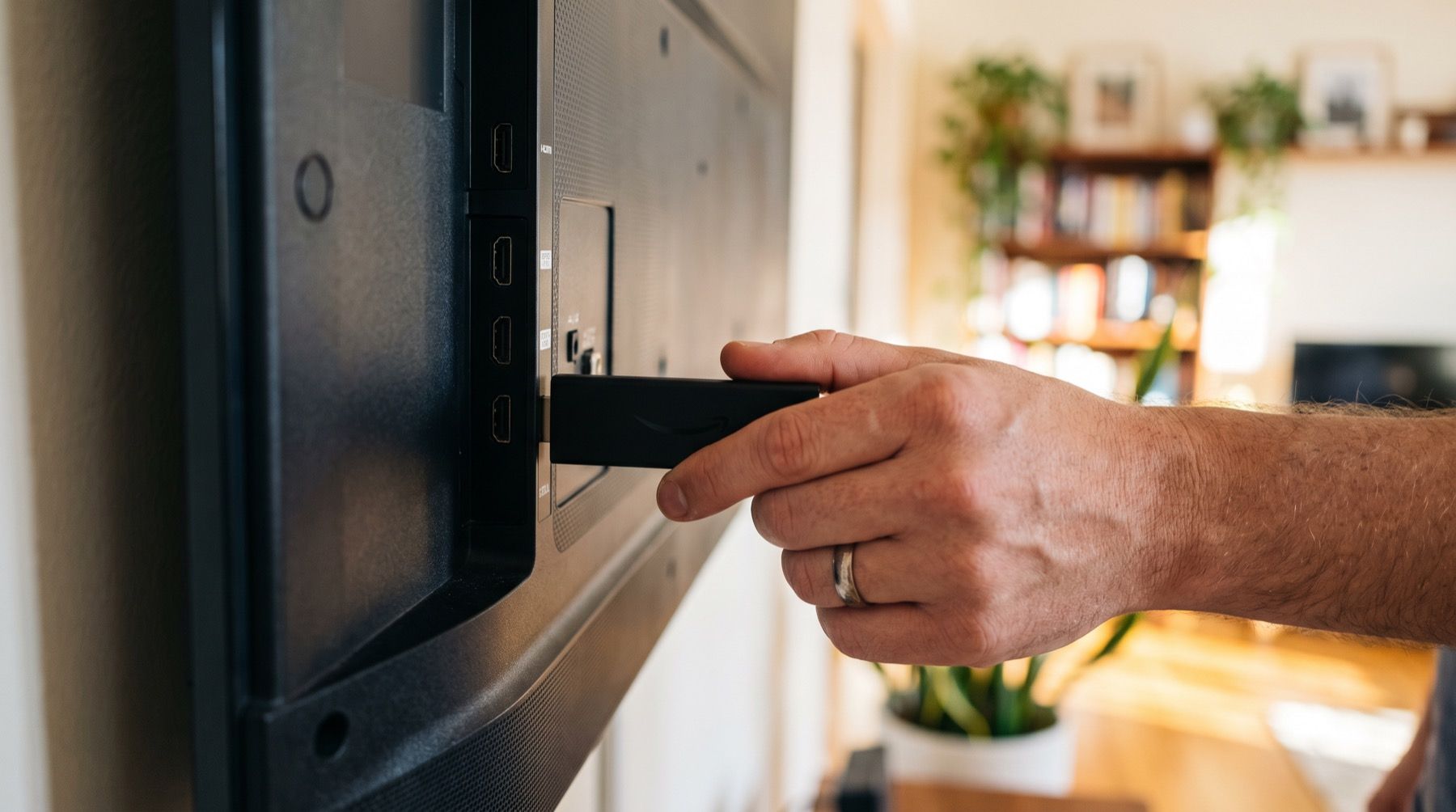
Fire Stick digital signage: what works in 2026
Check OptiSigns’ Fire TV support warning, Fire OS 8 limits and conflicting Vega OS guidance before buying a Fire Stick for digital signage.
Comparisons
Yodeck pricing: why three screens cost $24, not $16
Yodeck bills every screen once you add a second. See the $24 three-screen bill, account-wide upgrades and annual hardware terms before paying.
Menus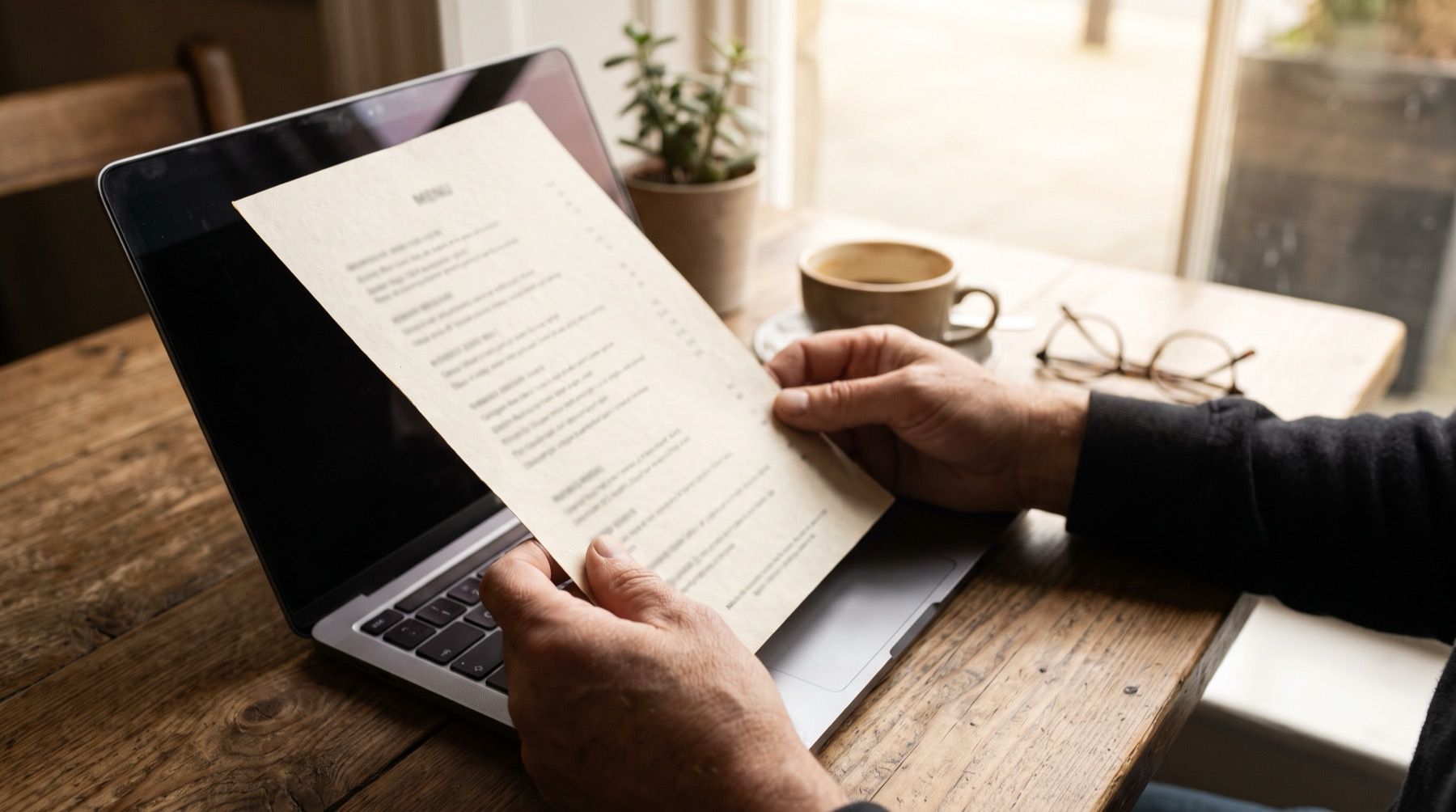
PDF menu to TV: redraw it, don't shrink it
Import a menu PDF from Canva or Google Docs into Kinosign’s free maker. Check the items and redraw it for TV instead of displaying tiny print text.
Put your first menu or notice on TV
Preview your menu or notice before showing it on a compatible screen.
Start with 3 free screens