Schedule your videos on your own TV channel
Schedule videos and live events on your own channel, then choose which TVs show it.
Example channel workflow. Channel production is an optional, account-level paid service. Kinosign packaging and player compatibility are being verified.

Choose the channel’s running order
Schedule a roastery tour at breakfast and a film about your makers at lunch. Leave the evening slot for a live conversation. Use videos you already own.
- Build a running order from your own videos.
- Leave space for a live event.
- Preview the channel before assigning it to screens.
Show a live event on your TVs
Use your channel for an event that matters to your business. Show a company update in a shared office or a cooking demonstration in a venue. Check the connection and audio before the event starts.
- Run a rehearsal on the actual player.
- Make a plan for what plays after the event.
- Keep menu information on a separate screen.
Keep the menu on its own screen.
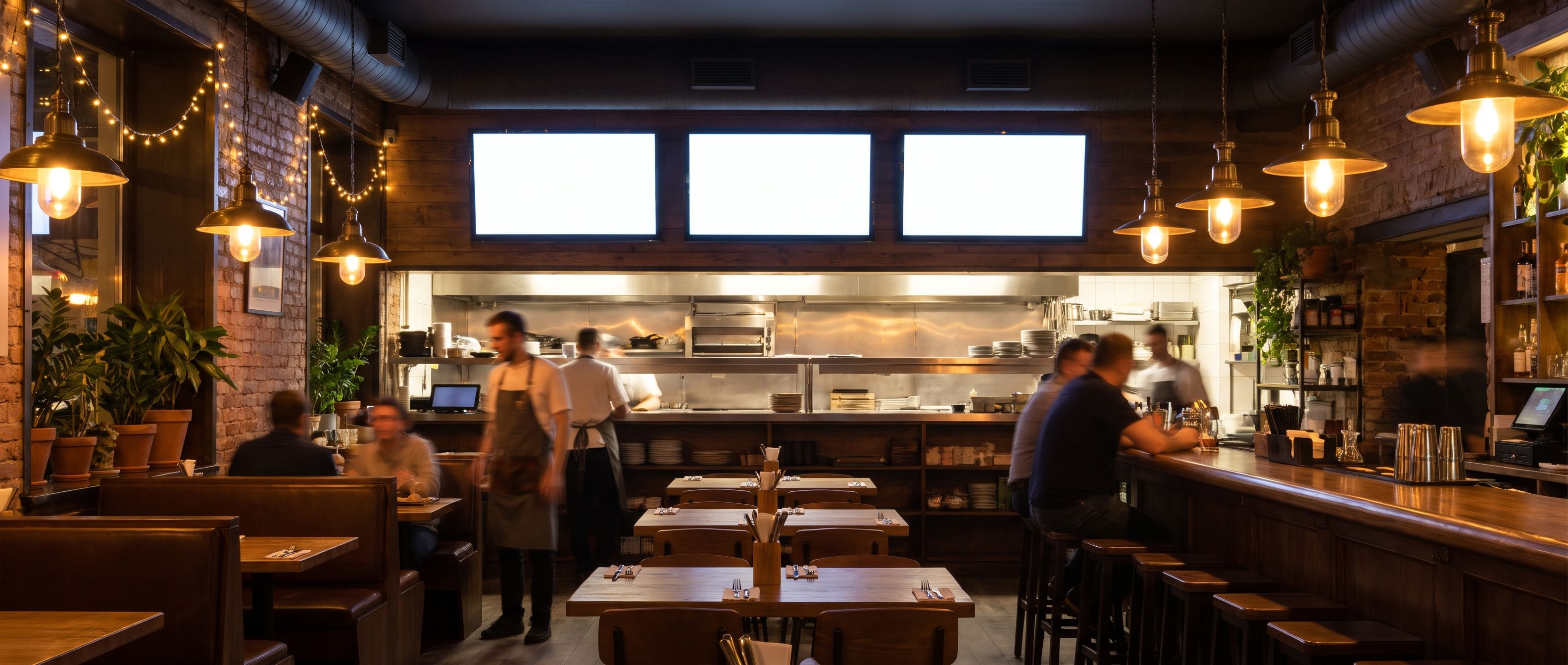
Channel production creates and manages the running program. Screen licenses cover the individual screens that show it. A quote separates those two jobs so the same channel is not quoted as a new production for every TV.
See how screen pricing worksTell us what your channel would show
Tell us what you want to show, which screens you have and where they will be used.
This opens an email to us with your setup details filled in. No screen or channel is added by this form.
Questions about Kinosign
Is this a package of TV stations?
No. Kinosign is for your own content and sources you have permission to show. Broadcast television, films, music and sports rights are separate. A stream being available online does not automatically permit business playback.
What should a channel quote include?
Channel count, running hours, resolution, storage, delivery allowance, any overage rates and supported destinations. One-time setup work and screen licenses should be listed separately.
Does a live channel play without internet?
Live playback needs a connection. Downloaded signage files are a different workflow. Test your player and agree a fallback before using a channel in a venue.
Can I start with menus and add a channel later?
Yes, that is the intended path. Start with a menu or announcement. Discuss channel production when you have videos or events worth sharing.
Plan your content and TV setup
Start by checking one screen
Preview your menu or notice before showing it on a compatible screen.
Check my setup