Show today’s menu on your restaurant TV
Create your café or restaurant menu and change prices from your browser. On compatible TV screens, schedule a different menu for each meal.
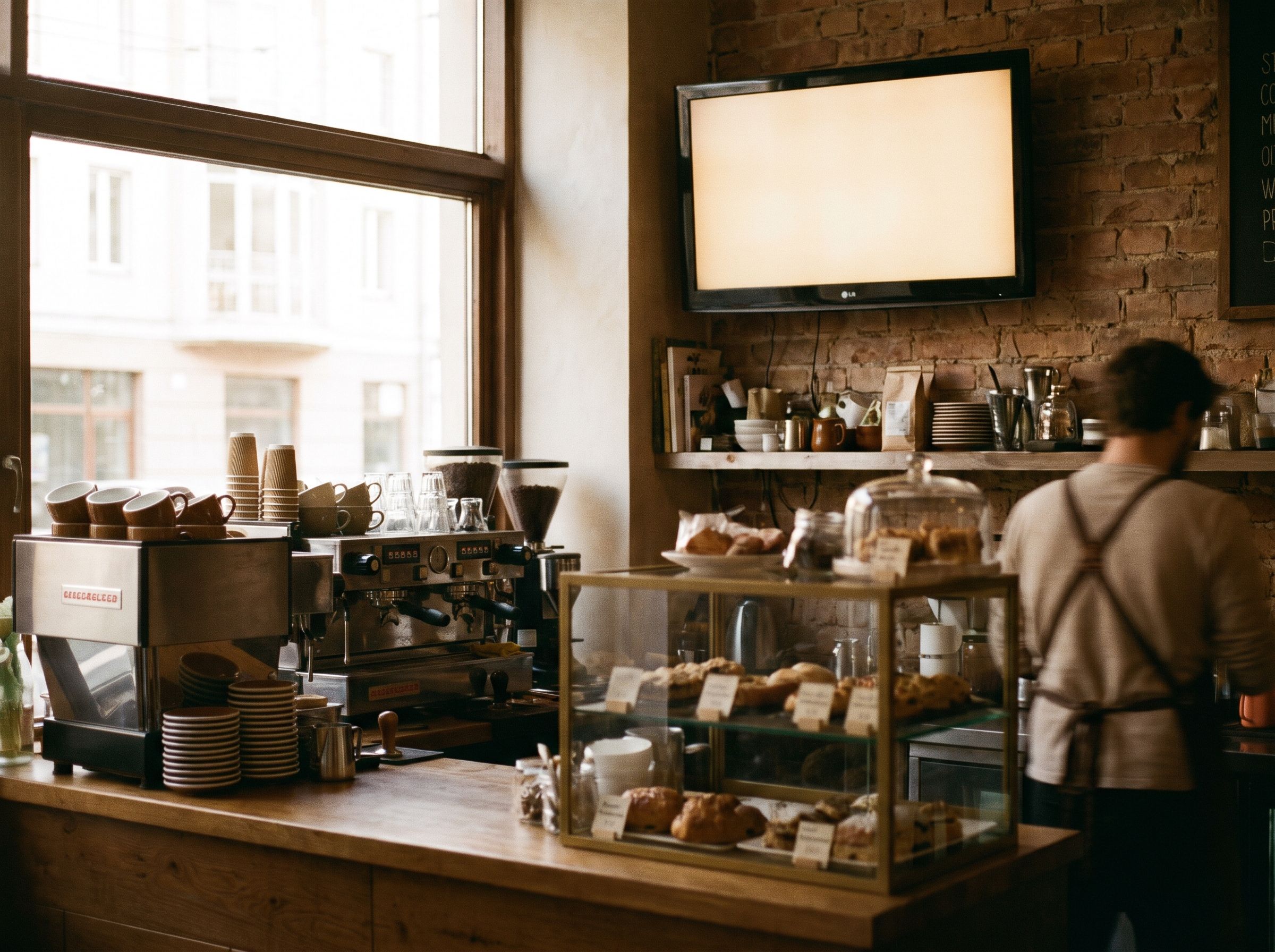
Update prices and sold-out dishes from your browser
Change the soup of the day or its price, and remove sold-out dishes. Preview the edited menu before sending it to your connected screen.
- Keep the item name and price together.
- Use a short description when it helps someone choose.
- Check the finished menu from the back of the queue.
Set the breakfast-to-lunch switch
Set the times for breakfast, lunch and dinner. Give short-term offers an end date. Check the screen’s time zone so the lunch menu arrives at lunchtime.
- Give each menu a clear start and finish.
- Keep the next menu ready before the change.
- New schedules need a connection to reach the player.
Prepare the next menu before the lunch rush
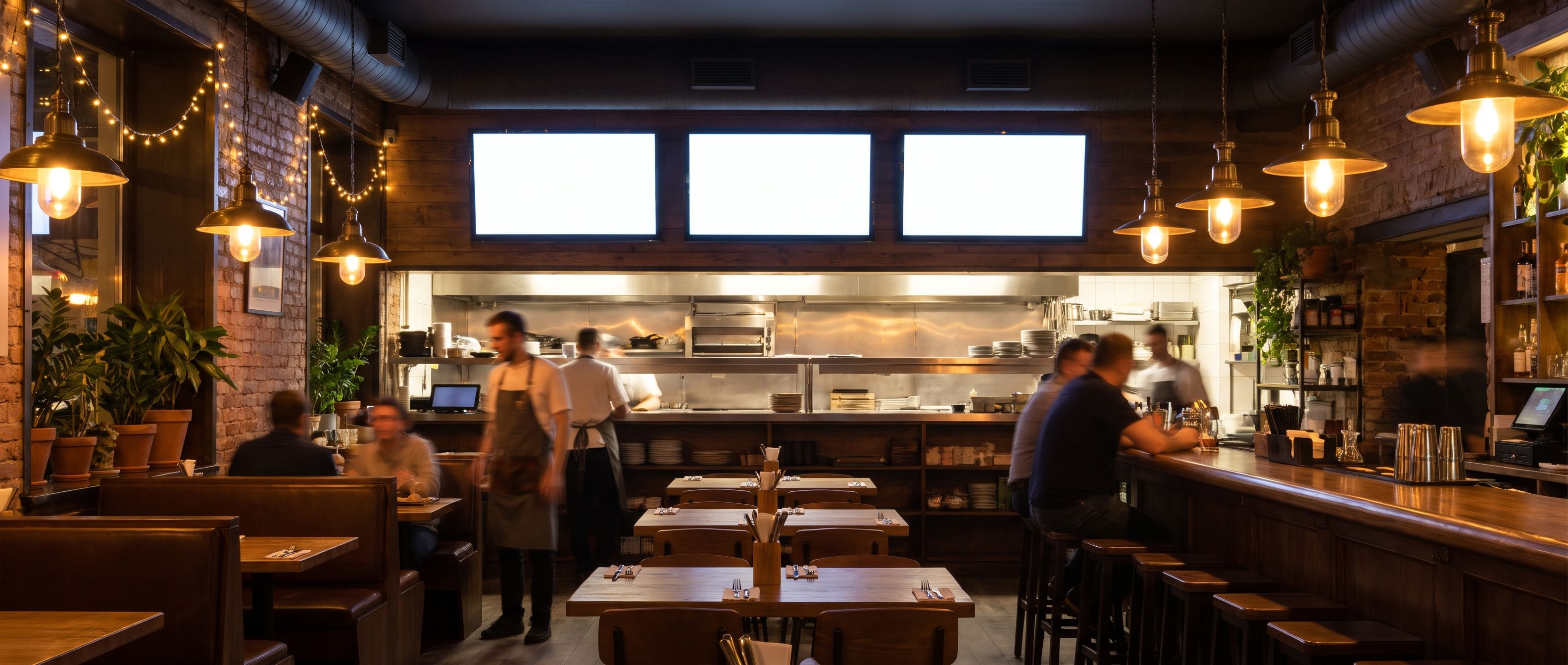
Paste your dishes and prices or import your PDF menu. Add your logo. Edit the layout until it is ready for customers. Check ingredients and dietary information yourself.
Try the free menu makerShow how you roast your coffee or prepare a dish. Schedule your videos and add live venue events. Keep the ordering menu visible on its own screen. Channel production is an optional paid service.
Explore your own channelQuestions about Kinosign
Does this connect to my till or POS?
Automatic POS syncing is not part of the launch offer. You review and publish menu changes yourself.
Can breakfast change to lunch automatically?
Meal-time scheduling is part of the intended screen workflow. Check the time zone and connection during setup, then verify the change on your actual player before relying on it.
Can I use a portrait screen?
The menu maker exports both portrait and landscape layouts. Screen playback depends on the device. Check rotation support before mounting a screen vertically.
Can customers order through the screen?
The launch product displays menus and messages. You can include a QR code to an ordering service you already use. Touch ordering is outside the launch scope.
Plan your content and TV setup
Put your first menu or notice on TV
Preview your menu or notice before showing it on a compatible screen.
Start with 3 free screens