Three restaurant menu screens cost $24/month on Yodeck Basic, $30 on OptiSigns Standard with monthly billing, or $720 a year on ScreenCloud Core. A longer software feature list does nothing for a coffee menu on its own.
Kinosign makes a competing product, so weigh our view with that in mind.
Vendor pages checked November 2026. This compares documented plans, not hands-on test results.
Compare plans that cover your menu edits and schedules
| Product and plan | Price, USD | Screens and term | Relevant offer | Check before choosing |
|---|---|---|---|---|
| Yodeck Free / Basic | $0 for one; Basic $8/screen/month | Single free screen or paid monthly fleet | Playlists and scheduling | Fleet upgrade cost and required feature tier |
| OptiSigns Standard | $10/screen/month; $9 annual equivalent | Per screen; monthly or annual billing | Designer, playlists and scheduling | Your required data integration may change the plan |
| ScreenCloud Core | $20/screen/month | Per screen, billed annually | Screen and content management | Price the plan containing any required Pro features |
| Fugo Essential | $24 monthly; $20 annual equivalent | Per screen; monthly or annual billing | Design studio and advanced scheduling | Core adds dashboards and premium integrations |
| NoviSign Business | $14/screen/month | Annual selection, one-screen setting | Editor and scheduled playlists | Business Plus lists Canva and Toast-related workflows |
| Raydiant, now Displai | Quote required | Confirm scope and term | POS-enabled menus, kiosks and wider restaurant tools | Separate the menu job from other services |
| Kinosign, pre-launch | First 3 screens free; $6 per extra screen/month | Planned monthly plan | Menu makeovers and meal-time schedules | Pre-launch; exact player still needs checking |
The vendor pricing links in the sources support these published amounts and terms. They exclude assumptions about taxes, hardware or negotiated discounts. Kinosign’s pre-launch pricing.
Start with Yodeck for one counter TV
Yodeck is worth evaluating before paying for a small setup. Its free single-screen plan includes Basic features. Its billing rules charge for every screen once an account has two or more.
For paid Basic, three screens at the listed monthly rate total $24. OptiSigns also has up to three free screens on eligible devices, with its logo and content limits; its Standard row above is the paid-plan comparison. An annual plan may include a player or an own-device saving, subject to terms. Those offers can change the first-year comparison.
Compare OptiSigns and NoviSign around real integrations
OptiSigns Standard includes its content designer. Pro Plus lists data mapping and Microsoft/Google workspace integrations. Avoid pricing Standard if your daily routine needs one of those higher-tier workflows.
NoviSign Business Plus lists Canva integration and a Toast POS workflow through Google Sheets. Ask to see that complete path with your own menu. “POS integration” needs a named system and an explanation of how changes reach the screen.
Its licence unit is explicit:
One player license subscription is required per display
Keep either product on the shortlist if its supported integration replaces repeated manual editing. Exporting a PDF from Canva is a different workflow from a native Canva connection.
Match Fugo and ScreenCloud to the team doing the work
Fugo Essential includes a design studio and advanced scheduling. Core adds premium integrations and dashboards. If your manager also needs office-style reporting screens, those features may matter. For a menu alone, compare Essential first.
ScreenCloud has a wider workplace communication offer. Its annual Core price means $720 per year for three screens, before offers and taxes. That is $432/year above twelve months of Yodeck Basic for three screens. For uploaded menu images, ask what the extra spend buys you.
Get a separate quote for POS menus and kiosks
Raydiant’s pricing URL redirected to Displai when checked. Displai’s restaurant page advertises POS-enabled menus, dayparted promotions and self-service kiosks.
Ask for an itemised proposal. If you only need two menu screens, limit the quote to those screens. No current numeric price was verified on the pages checked, so an old Raydiant figure would give false precision.
Keep the ordering menu visible
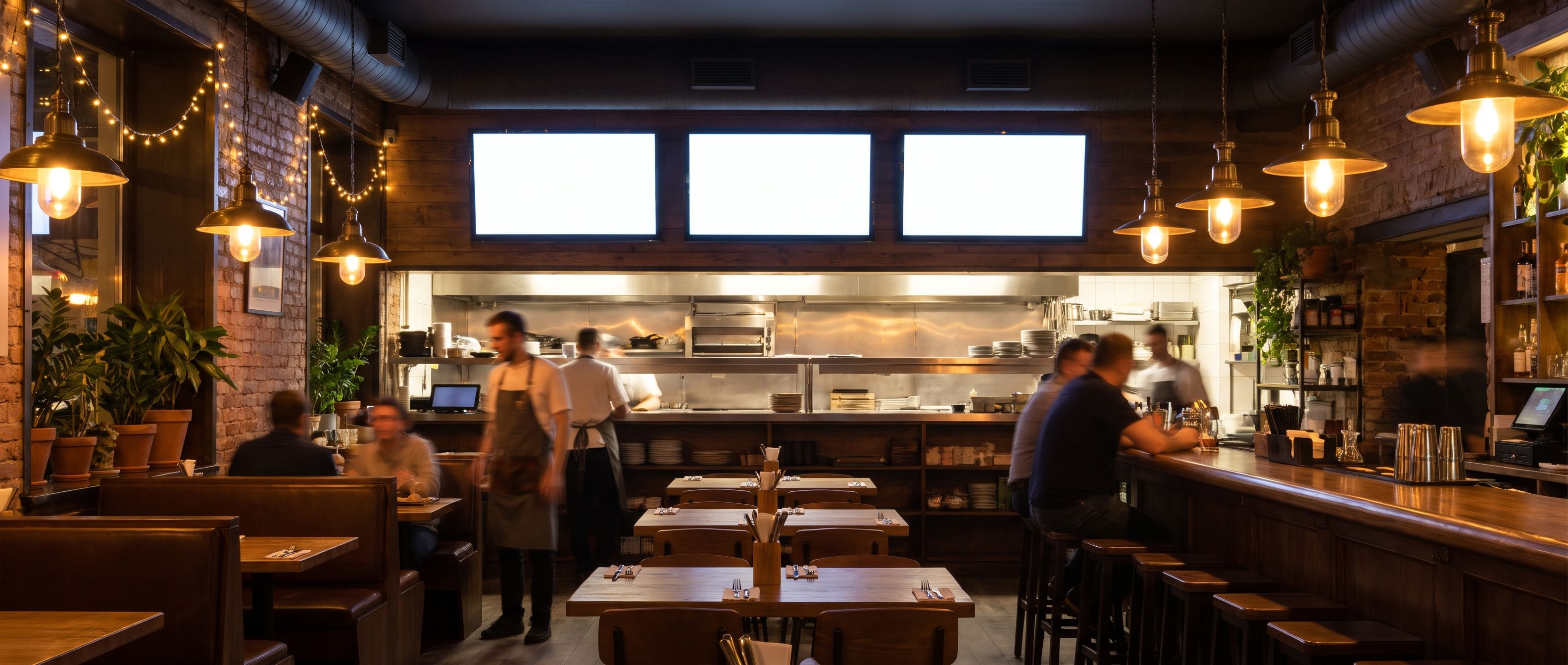
Choose a plan that covers your actual meal changeovers. A breakfast menu switching to lunch is a scheduling job. Automatically changing a price from the till is an integration job. Do not pay for the second when you only need the first.
Use the TV menu guide and menu board templates to prepare the content before comparing plans.
When your current restaurant setup earns its bill
Stay if your current system keeps menus accurate and its connected sources or account controls earn the bill. A restaurant using a POS connection has more to replace than a café uploading a PDF.
Start with the menu you already have
Kinosign is pre-launch. Its draft pricing keeps the first three screens free and charges $6 per extra screen/month: $0/month for three screens. The planned allowance is 30 AI menu makeovers a month on the free plan, plus 30 more for each paid screen. PDF, image and video uploads and time-of-day schedules are in the launch scope. Fire TV, Android TV and a web player are launch targets; an optional live channel is quoted separately.
Upload a PDF exported from Canva or Google Docs to the free menu maker. It reads the file in your browser, lets you check the items and redraws them as a Kinosign design. Review the redrawn menu before choosing a screen plan.
Sources
- Yodeck official pricing page
- OptiSigns official pricing page
- ScreenCloud official pricing page
- Fugo official pricing page
- NoviSign official pricing page
- Raydiant redirect official source
- Displai restaurants official source
- Yodeck screen billing rules
Vendor prices and plans were checked against each linked page in November 2026. They change often, so open the page before you buy.