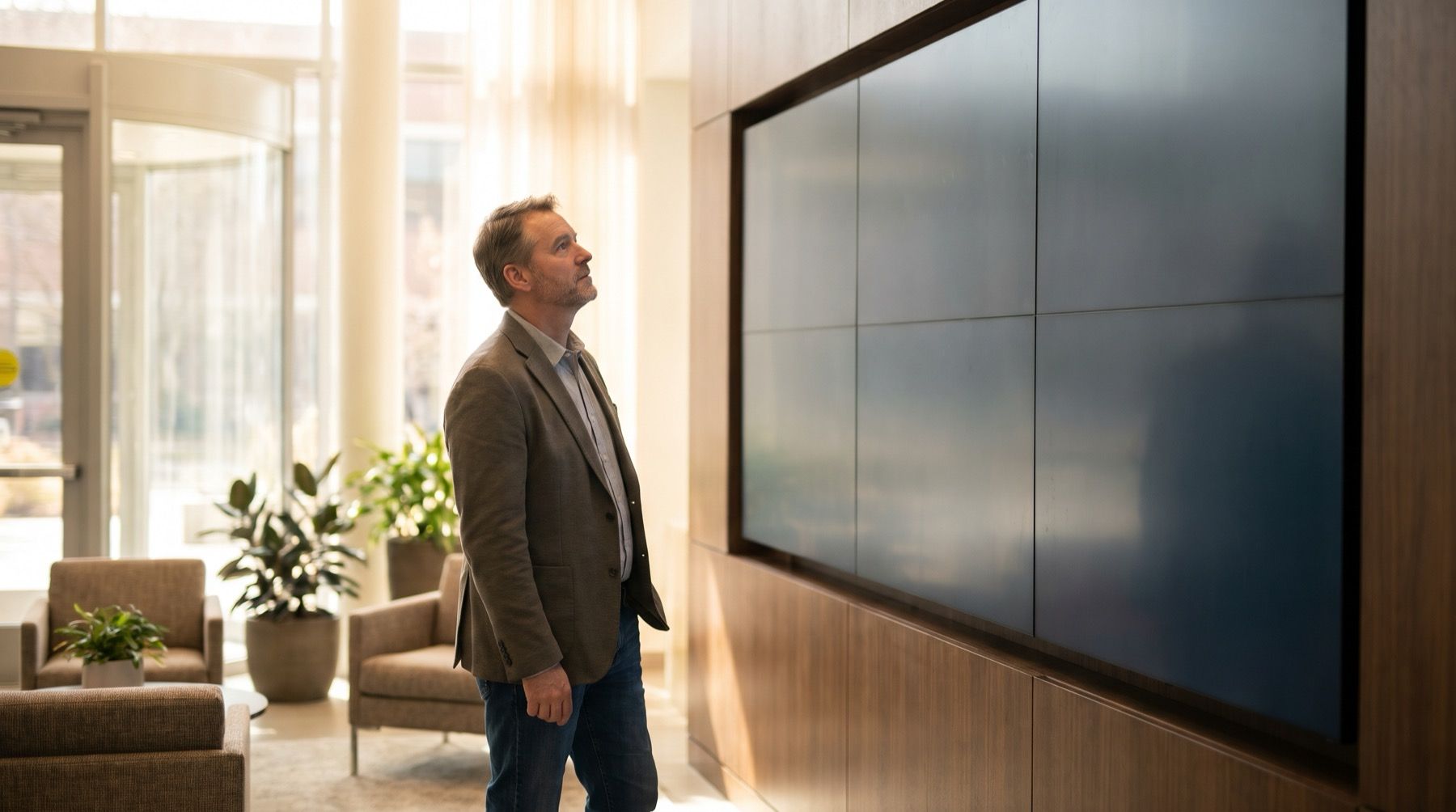

Three welcome screens cost $720 a year on Fugo Essential at its annual USD rate. Core’s dashboard tools bring that to $1,080. If the screens only show directions to reception, compare plans for uploaded images.
Kinosign makes a competing product, so weigh our view with that in mind.
Vendor pages checked November 2026. This compares documented plans, not hands-on test results.
Dashboards add $360 a year across three screens
Fugo Essential lists a content design studio, templates and advanced scheduling. Core adds premium apps, Power BI, Looker, dashboard tools and embeddable channels. Enterprise adds further controls including API access and SSO.
Core’s annual rate is $30 per screen/month, against Essential’s $20. Do not pay the dashboard rate for an uploaded welcome image.
Fugo also lists one free watermarked screen. That is worth checking before paying to evaluate it, with the watermark and applicable test-screen conditions understood.
Compare the terms and the work included
| Product and plan | Price, USD | Screens and term | What you are comparing | Check next |
|---|---|---|---|---|
| Fugo Essential | $24 monthly; $20 annual equivalent | Per screen; monthly or annual billing | Content studio and scheduling | Public screen suitability of any free test mode |
| Fugo Core | $36 monthly; $30 annual equivalent | Per screen; monthly or annual billing | Dashboards and premium integrations | Exact source and refresh requirement |
| Yodeck Free / Basic | One screen free; Basic $8/screen/month | Single free screen or paid monthly fleet | Ordinary screen content | Tier containing your required automation |
| OptiSigns Standard | $10 monthly; $9 annual equivalent | Per screen; monthly or annual billing | Designer and scheduled playlists | Required higher-tier integrations |
| ScreenCloud Core / Pro | $20 / $30 annual equivalents | Per screen, billed annually | Workplace content; Pro includes dashboards | Complete qualifying plan |
| Kinosign, pre-launch | First 3 screens free; $6 per extra screen/month | Planned monthly plan | Menus and notices | Pre-launch app and player availability |
Sources: Fugo, Yodeck, OptiSigns and ScreenCloud. Prices are checked November 2026. Annual equivalents require annual billing.
At Fugo’s listed annual rates, three Essential screens total $720 per year; three Core screens total $1,080. That is $360 more a year. Put the dashboard connection you need beside that increase.
Hardware is not a reason to switch by itself
Fugo’s FAQ says:
No, you don’t need to purchase a dedicated Fugo player.
A proprietary-player requirement is therefore not a fair criticism. Compare the software bill and the supported route for the equipment you own.
Trial Yodeck or OptiSigns for the front desk
Yodeck’s free screen is worth trying on one reception TV. OptiSigns Standard provides a content designer and scheduling. Either deserves an evaluation when your required content is public and straightforward.
Use your actual arrival message and change the room number. The person at reception should be able to make that edit without the original designer.

The templates can help prepare a consistent example. Keep sensitive meeting details off a public screen during the trial.
Keep Fugo or compare ScreenCloud for live office data
When the screen shows a dashboard, identify the actual source and how access is granted. Include the refresh interval and what happens when authentication expires. Use the same requirements in a Fugo Core and ScreenCloud Pro demonstration.
A cheaper alternative that needs someone to export a screenshot every morning is a different service. That may suit a small team, but call the manual work what it is.
Stay with Fugo if its dashboard and publishing workflow works for your team. A new subscription should remove a specific problem, rather than merely move it into another editor. Our office screen guidance helps separate ordinary announcements from these data requirements.
Compare upload and scheduling plans for reception notices
Kinosign is pre-launch. Its draft pricing keeps the first three screens free and charges $6 per extra screen/month: $0/month for three screens. The planned allowance is 30 AI menu makeovers a month on the free plan, plus 30 more for each paid screen. An optional live TV channel is quoted separately.
Its launch scope covers PDF, image and video uploads and time-of-day schedules. Fire TV, Android TV and a web player are the launch targets. Compare the pricing with your required device, then pick an editable template for your reception notice. Include dashboard features in the quote only if reception needs them.
Sources
- Fugo official pricing page
- Yodeck official pricing page
- OptiSigns official pricing page
- ScreenCloud official pricing page
Vendor prices and plans were checked against each linked page in November 2026. They change often, so open the page before you buy.