

If you need NoviSign’s Canva connection, price Business Plus rather than the $14 Business plan. Plus is $17 per screen/month at the displayed annual one-screen rate, or $204 a year for one screen. A welcome slide showing opening hours may not need the upgrade.
Kinosign makes a competing product, so weigh our view with that in mind.
Vendor pages checked November 2026. This compares documented plans, not hands-on test results.
Read NoviSign’s three price cards together
NoviSign’s pricing page displayed an annual billing selection with one screen: Business at $14, Business Plus at $17 and Premium at $25 per screen per month, in USD. Those are annual equivalents, not verified monthly checkout prices.
Business includes its editor, scheduled playlists and remote screen management. Plus lists AI image creation, data connections and Canva integration. Premium lists SSO, API access, publishing approvals and an MCP Connector.
List which of those features you need every week. A notice saying where to check in is a smaller job than automatically updating a room schedule from another system.
Create in Canva and instantly publish your designs to NoviSign
That is the vendor’s advertised native workflow. Compare it against the extra export and upload steps in any alternative.
Compare the qualifying bill
| Plan | Published price, USD | Screens and term | Included starting point | Reason to check another tier |
|---|---|---|---|---|
| NoviSign Business | $14/screen/month | One-screen setting; billed annually | Editor and scheduled content | Native Canva/data workflows listed in Plus |
| NoviSign Business Plus | $17/screen/month | One-screen setting; billed annually | Added integrations and AI creation | Premium security or approval requirements |
| Yodeck Free / Basic | One free screen; Basic $8/screen/month | Single free screen or paid monthly fleet | Basic content and scheduling | Required advanced integration or automation |
| OptiSigns Standard | $10 monthly or $9 annual equivalent | Per screen; monthly or annual billing | Designer and scheduled playlists | Required workspace/data integration |
| Fugo Essential | $24 monthly or $20 annual equivalent | Per screen; monthly or annual billing | Design studio and scheduling | Premium integrations in Core |
| Kinosign, pre-launch | First 3 screens free; $6 per extra screen/month | Planned monthly billing | Menus and notices | Pre-launch status and launch hardware fit |
Alternative sources: Yodeck, OptiSigns and Fugo. Prices are checked November 2026. Confirm currency, quantity and the actual annual commitment before purchase.
For NoviSign’s displayed one-screen rates, the annual equivalents are $168 for Business, $204 for Plus and $300 for Premium. Scaling that one-screen rate into a bigger fleet is only an estimate because the calculator has quantity controls.
Start with Yodeck when you only have one TV
Yodeck’s permanent free single-screen allowance is worth comparing for a small waiting room. Use your own welcome slide and judge the editing job. If it already works on your equipment, there may be little reason to change.
For a growing setup, check the paid account bill. The free single-screen plan is not evidence of a free first licence inside every paid fleet.
Keep integration-heavy work in the comparison
OptiSigns and Fugo both publish content creation and scheduling features. That makes them reasonable trials for generic notices. It does not prove their entry plans replace every NoviSign integration.
Make a list of the sources you actually use. Include the account, access method, refresh need and person responsible. Show that list during each trial. A calendar displayed from an uploaded image is not equivalent to a calendar connection you depend on.
Rebuild one public notice before moving the account
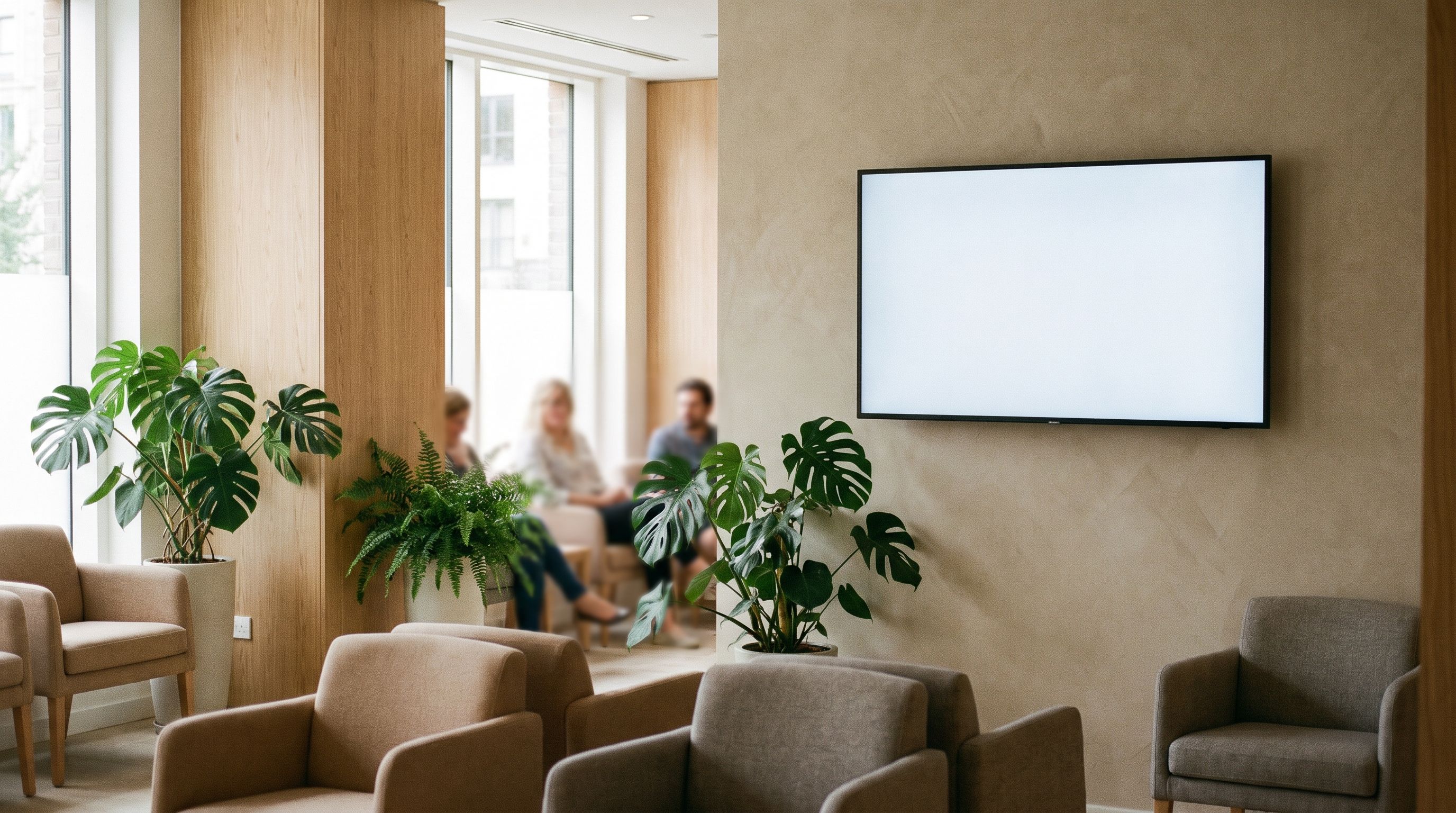
Use opening hours, a welcome and a general instruction. Leave patient details out. Set an example replacement notice for tomorrow and confirm which time zone the schedule uses.
Our waiting-room guide helps define the content. The device checklist helps keep the hardware decision separate from the editor.
When NoviSign’s connections justify keeping it
Stay if its Canva or data connections, account controls and existing players justify the bill. Replacing a connection with a daily manual export can erase a software saving.
Compare a smaller menu-and-notice offer
Kinosign is pre-launch. Its draft pricing keeps the first three screens free and charges $6 per extra screen/month, with 30 AI menu makeovers a month on the free plan, plus 30 more for each paid screen. An optional live TV channel is quoted separately. See the pricing.
Fire TV, Android TV and a web player are the launch targets. The launch scope covers PDF, image and video uploads and time-of-day schedules. Canva uses exported PDFs or images, not a native integration.
For a clinic welcome, choose a notice template. For a café menu, upload your PDF to the free menu maker, check the items it reads in your browser and redraw them as a Kinosign design.
Sources
- NoviSign official pricing page
- Yodeck official pricing page
- OptiSigns official pricing page
- Fugo official pricing page
Vendor prices and plans were checked against each linked page in November 2026. They change often, so open the page before you buy.