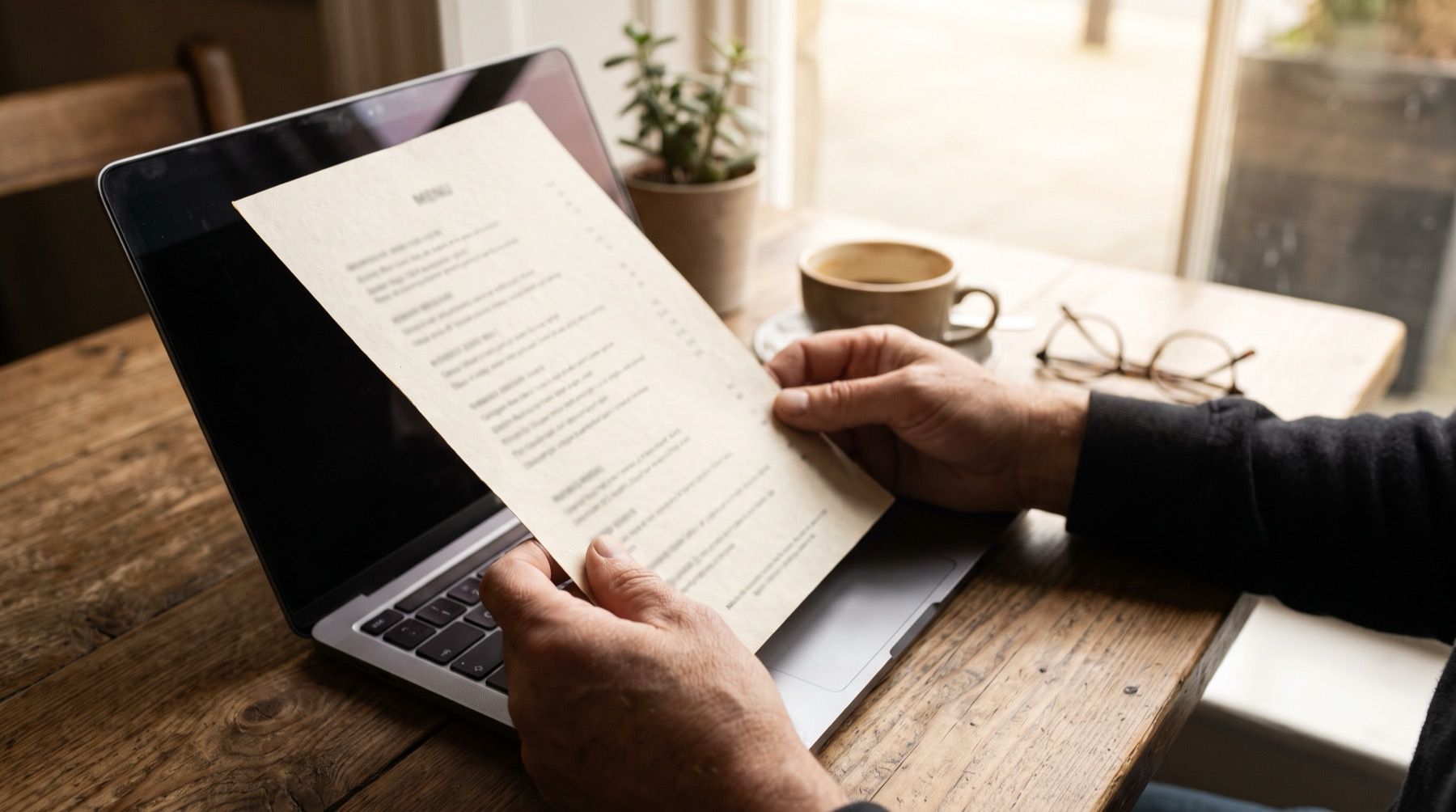
A PDF menu made for the table usually has too much small text for a TV. Yodeck accepts the file but does not automatically resize documents. Uploading the page does not make it readable from the queue.
Use the free Kinosign menu maker to read a PDF in your browser, check the items and redraw them as a Kinosign design. Start with a PDF exported from Canva or Google Docs. No account is needed.
Inspect the PDF’s page shape and smallest prices
Open the file and count the pages. Check the page shape, margins and smallest prices. A landscape TV and a portrait paper menu use their space differently. Fitting the entire paper page can leave much of the screen unused.
Then separate the menu into decisions. A lunch screen might need sandwiches, soup and drinks. It probably does not need the full dinner wine list. Keep the complete menu available elsewhere, but put the choices people need now on the TV.
| Route | Use it when | What you must maintain | Main limitation |
|---|---|---|---|
| Upload the PDF | Pages are already designed for a TV | Original file and uploaded version | Print-sized text stays small |
| Export a PNG | You want one fixed screen layout | Design file and exported image | Later edits need another export |
| Import into the free menu maker | The PDF is crowded or changes often | Checked menu items and a redrawn TV layout | Review the extracted items and prices |
A scan needs extra attention. Treat any extracted text as a draft. A misplaced decimal point is a price change, even if the layout looks lovely.
Give each screen one menu job
For a 16:9 landscape design, use a 1920 × 1080 working canvas. For a portrait design, use 1080 × 1920. These are design dimensions, not a promise that your TV or player supports every orientation.
Start with the item names and prices. Add category headings next. Leave room between rows so a price clearly belongs to its dish. Put long descriptions in a printed menu or a separate customer-facing page.
If you have several screens, divide the range rather than repeat everything in smaller text. Lunch on one, pizza on another, drinks on the third is a sensible starting point. The customer should not have to watch three slides to discover the price of lunch.
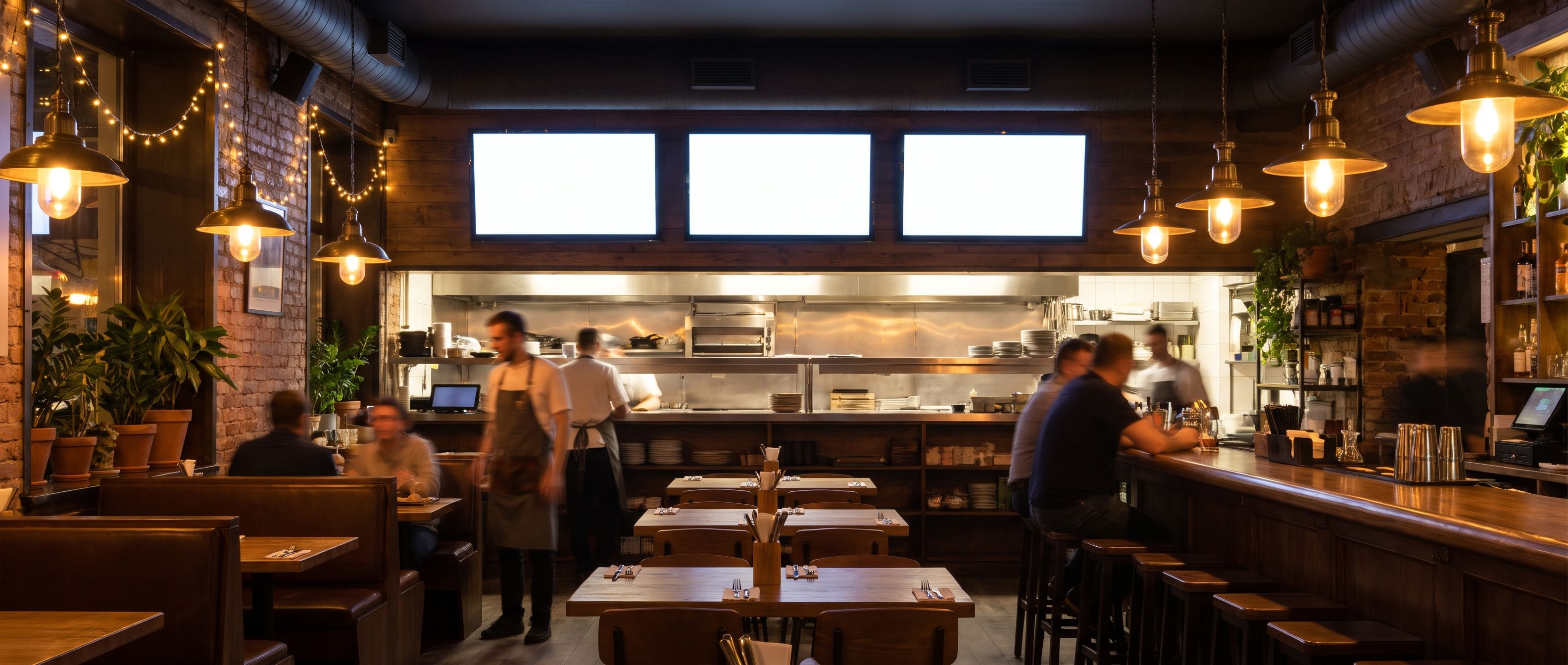
Browse the menu board templates for compositions you can adapt. The font-size guide explains how to check the result at the actual viewing distance.
Yodeck uploads the PDF without resizing its layout
Yodeck supports PDF uploads. Its document documentation also makes an important limitation explicit:
Documents are not resized automatically
A PDF upload preserves a crowded print layout. Yodeck also lets you set page durations and replace a shared document. Keep it if your PDF already fits the TV and that replacement workflow suits you.
Kinosign makes a competing product, so weigh our view with that in mind. Its screen service is pre-launch. The planned app includes PDF, image and video upload plus AI menu makeovers. The planned app allowance is 30 AI menu makeovers a month on the free plan, plus 30 more for each paid screen. The free browser PDF import is separate.
Compare every page with the current menu
Compare the screen version against the current menu, line by line. Check names, sizes, prices, currency, dietary wording and any required notices. If an AI tool rebuilt the file, check every item again. It cannot approve your ingredients or selling prices.
Pay attention to page order. A cover page, blank final page or old seasonal insert can become part of a repeating slideshow. Remove pages customers do not need. Keep a dated copy of the approved source so the next person editing it knows which version is current.
Open the export full-screen and check cropped edges, punctuation and currency symbols.
Test the TV before service
Use the TV menu setup guide to separate the design file from the device that plays it. Check supported-device plans before buying anything for Kinosign. Fire TV, Android TV and a web player are launch targets, with exact-model verification still pending.
Stand where the last customer in the queue will stand. Ask someone who has not seen the design to find an item and its price. Try the same check with the lights on and reflections on the screen.
Keep a printed menu ready during setup. Confirm the correct menu is on the TV and its prices are readable.
Open your current PDF in the free menu maker, check every extracted item and price, then download a screen-shaped menu and read it from the back of the queue.
Sources
Vendor prices and plans were checked against each linked page in November 2026. They change often, so open the page before you buy.