
Three screens on Yodeck Basic cost USD $24/month on monthly billing, checked November 2026. Its free license does not stay free when you add a second screen. You pay for all three.
Kinosign’s draft pricing keeps the first three screens free: three screens would cost $0/month. That is a pre-launch software comparison, before hardware and tax. Include the player, fitting and the plan that covers your actual work in the digital signage cost comparison.
List the screen count, hours and required features
List your screen count, hours and required features. An uploaded menu, private dashboard and produced live channel need different budgets.
Kinosign makes a competing product, so weigh our view with that in mind. Its screen service is pre-launch. These are documented offers, not results from a side-by-side product test.
Price per screen across ten vendors
All numeric rates are USD. Monthly rates shown for annual plans are equivalents billed yearly. Totals are calculations before tax, hardware and add-ons. The selected plans illustrate real purchasing choices; they do not all include the same features or represent each vendor’s cheapest possible arrangement.
| Vendor and selected plan | Published rate | Three-screen software total | Term | Included example and condition |
|---|---|---|---|---|
| Yodeck Basic | $8/screen/month | $24/month, or $288/year | Monthly or annual | Basic scheduling; annual player offer |
| OptiSigns Standard | $10 monthly; $9 annually, per screen/month | $30/month monthly, or $324/year | Monthly or annual | Designer; check required integration tier |
| ScreenCloud Core | $20/screen/month | $720/year | Annual rate shown | Screen management; other tiers add features |
| Rise Vision Advanced | $138/display/year | $414/year | Annual only | School-oriented integrations and alerts |
| NoviSign Business | $14/screen/month at one-screen setting | $504/year at that rate; confirm quantity quote | Annual | Editor and scheduling; Plus features cost more |
| Fugo Essential | $24 monthly; $20 annually, per screen/month | $72/month monthly, or $720/year | Monthly or annual | Design studio; Core adds dashboards |
| TelemetryTV Elite | $16/device/month | $1,920/year minimum for 10 devices | Annual only | Proof-of-play and media expiry; no three-device purchase |
| Screenly Starter | $15/screen/month | $540/year | Annual | Scheduling and API; players separate, five-screen cap |
| Raydiant / Displai | Current quote needed | Quote needed | Confirm with sales | Signage offering; no numeric rate verified on the page read |
| Xibo | Configured cost; no flat USD rate verified | Not calculated | Depends on hosting and licensing choice | Cloud or self-hosted; player licenses and support differ |
Rise Vision Advanced and TelemetryTV Elite have explicit annual terms. The billing selections behind Rise Vision Basic and TelemetryTV Entry’s displayed rates could not be confirmed, so those rates are omitted.
Count the free screens correctly
Yodeck’s billing documentation says a single Basic-feature screen is free while the account has exactly one screen. At two or more, every registered screen is billed. Three Basic screens cost $24, rather than $16.
OptiSigns Free covers up to three eligible screens with its logo, 25 basic apps and 1GB storage. The pricing table names OptiSigns devices, Windows, Linux and Raspberry Pi as eligible types. Check those restrictions against your existing equipment.
Fugo’s comparison table lists a free watermarked screen. That is another option for a trial or a screen where the branding fits.
1 free watermarked screen
Costs past the per-screen fee
Start with the plan that includes your required work, then use its minimum billable quantity.
First-year budget = qualifying software commitment + hardware + installation + paid services + internal operating work + applicable taxes.
Record discounts separately. A device credit and a free first-screen allowance affect the calculation in different ways.
Dashboards and integrations can require a higher tier
A basic lobby image and a private staff dashboard are different requirements. On Fugo’s pricing page, Essential has content design and scheduling. Core adds dashboard tools and premium integrations. Three screens at Core’s annual headline rate imply $1,080 per year, rather than Essential’s $720.
NoviSign puts data connections and Canva integration in Business Plus, with API and SSO features in Premium. Price those requirements before calling Business the likely bill.
TelemetryTV lists web-page captures and an API in Core, then proof-of-play and media expiry in Elite. If you use a feature during a trial, find the paid tier that includes it.
NoviSign Business Plus displays $17 per screen/month billed annually at the one-screen setting. Three screens at that rate would be $612/year; confirm the quantity quote. Exporting a Canva menu is a separate workflow from a native connection: someone must export and replace the file after editing it.
Use the plan’s minimum quantity in the calculation
TelemetryTV Elite’s annual term and ten-device minimum imply a $1,920 annual software baseline at its listed $16 rate. Buying it for three screens does not mean paying only for three.
OptiSigns’ monthly Enterprise card lists $45 per screen and a 25-screen minimum. At that rate, the baseline is $1,125 monthly. Standard has no such Enterprise minimum. If your required feature puts you on Enterprise, budget for the minimum rather than the number of TVs on your wall.
Screenly describes Enterprise pricing from 25 screens. Ask for the qualifying deployment quote rather than extending a Starter rate into enterprise requirements.
Rise Vision’s unlimited licence is per school, rather than district-wide or a general unlimited-screen plan for a hotel chain. Use our contract checklist to settle renewal and quantity questions before paying.
Add the hardware you actually need
Use an existing TV if it suits the location and operating hours. Check its inputs, mount, orientation limits and the picture under venue lighting. A window display needs a different assessment from a shaded hotel lobby.
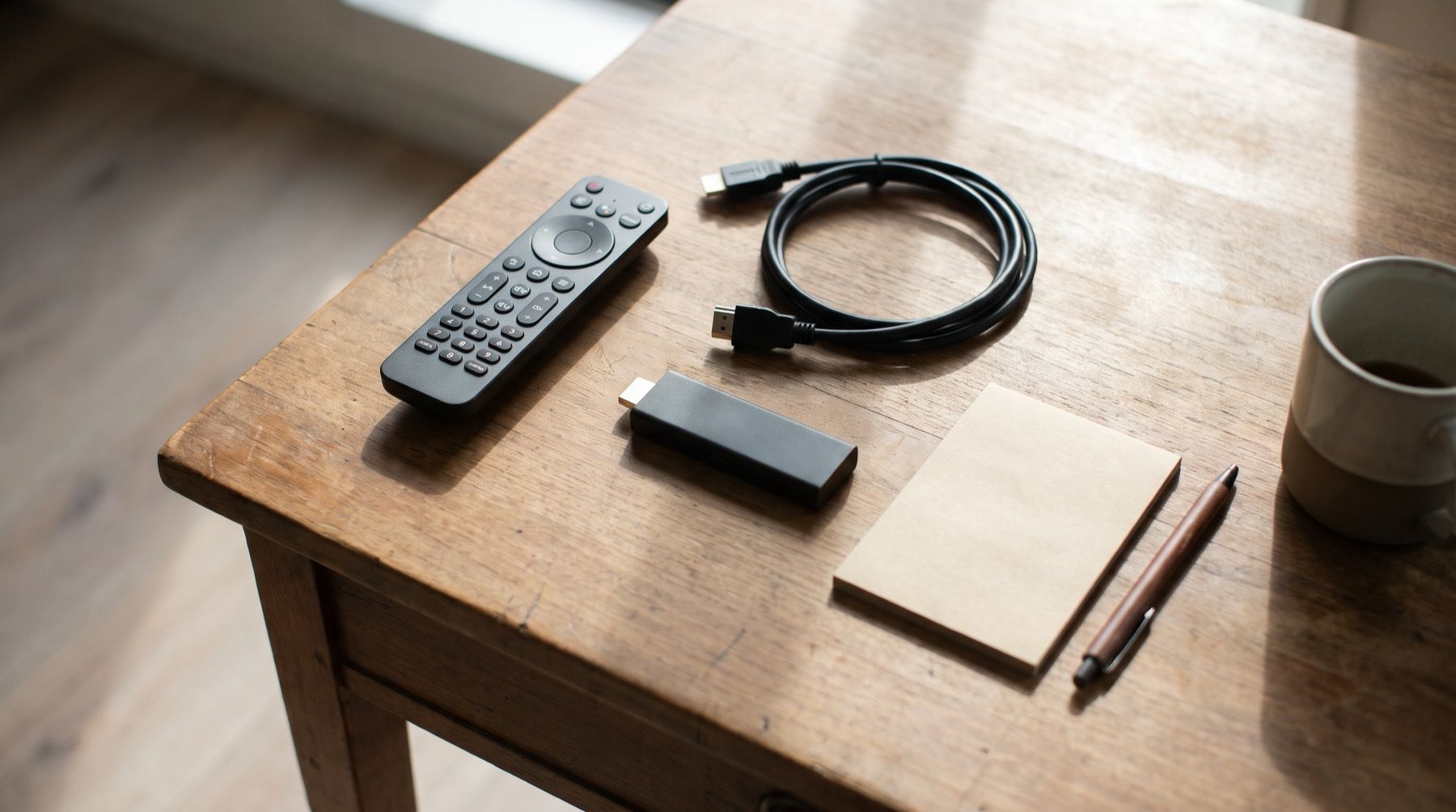
A player offer can change the subscription comparison. Yodeck’s annual Basic offer includes a 1 GB player or an own-device discount. Screenly’s Starter card states:
Screenly Players are sold separately.
Include delivery, accessories and replacement costs in the hardware comparison. Use the supported-device checklist before choosing equipment for Kinosign; exact model verification is pending.
Screenly’s free-player offer requires qualifying new Business or Enterprise licences paid for a full year. Screens already held on October 19, 2026 do not qualify. Shipping and tax are extra, and the standard offer caps players at 25 per customer. Confirm eligibility before counting the hardware saving.
Put an owner against the maintenance budget
Xibo lists backups, server maintenance and CMS upgrades for self-hosting. Its open-source CMS still needs someone to run it. Commercial perpetual player licences include minor upgrades at the current version; major upgrades can have a fee. Name the server owner before choosing this route.
Ask for a quote you can compare
Displai uses a demo-led sales route. Loop says pricing depends on approval, venue type and location, with a paid ad-free option and extra-screen approval. Ask for the term, renewal amount, cancellation rules, hardware ownership, installation, support and optional services in writing.
A lobby welcome and a room-TV project also have different requirements. Check the hotel screen guide before counting licences for both as the same job.
Build a three-screen first-year budget
The figures below are budgeting assumptions rather than hardware market quotes. Assume you already own three suitable TVs. Use planning allowances of $60 per player, $40 per mount and cable set, and $150 total installation labor. Replace every allowance with a local quote.
| Item | Calculation | First-year amount |
|---|---|---|
| Three players, assumed allowance | 3 × $60 | $180 |
| Mounts and cables, assumed allowance | 3 × $40 | $120 |
| Installation, assumed allowance | One visit | $150 |
| Kinosign proposed screen subscription | $0 × 12 | $0 |
| Illustration subtotal | Hardware, fitting and proposed software | $450 |
The subtotal excludes TVs, tax, electricity, network work, content labor and channels. It is a budgeting exercise using an unlaunched software offer, not a payable Kinosign package.
For comparison, three OptiSigns Standard licenses at the published monthly rate total $30/month, or $360 over 12 months. Three ScreenCloud Core licenses total $720/year at the annual rate. Neither software calculation proves the hardware or features match your job. Do not reuse the same hardware allowance if a provider requires a different device.
Count electricity and the person doing updates
Use measured power where possible. For an illustration, a TV and player drawing 80 watts for 12 hours a day over 30 days use 28.8 kWh. Multiply that by your local tariff and screen count. The 80-watt figure is an assumption, not a device specification.
Give content work a line too. If someone spends an assumed 20 minutes each week reviewing three screens, that is about 17 hours a year. Use your own labor rate.
When the features justify keeping your current setup
Keep a working setup when you use the features behind its bill: Rise Vision’s school workflows, Fugo’s dashboards or OptiSigns’ approvals. Xibo suits teams willing to run their own server. Loop supplies entertainment with venue-dependent pricing and a paid ad-free option. Price those jobs separately from a café menu.
Kinosign’s proposed plan includes 30 AI menu makeovers a month on the free plan, plus 30 more for each paid screen. The optional live channel is quoted separately. The free menu maker can already read your PDF in the browser and redraw the checked items.
Write down your screen count and must-have features, then compare the complete annual bill with Kinosign pricing. Get the player and installation quotes before committing.
Sources
- Yodeck pricing
- OptiSigns pricing
- ScreenCloud pricing
- Xibo pricing and self-hosting options
- Rise Vision pricing
- NoviSign pricing
- Fugo pricing
- Displai current offering
- TelemetryTV pricing
- Screenly pricing
- Loop TV business plans and questions
- Xibo open source official source
- Screenly annual player offer
- Yodeck screen billing rules
Vendor prices and plans were checked against each linked page in November 2026. They change often, so open the page before you buy.