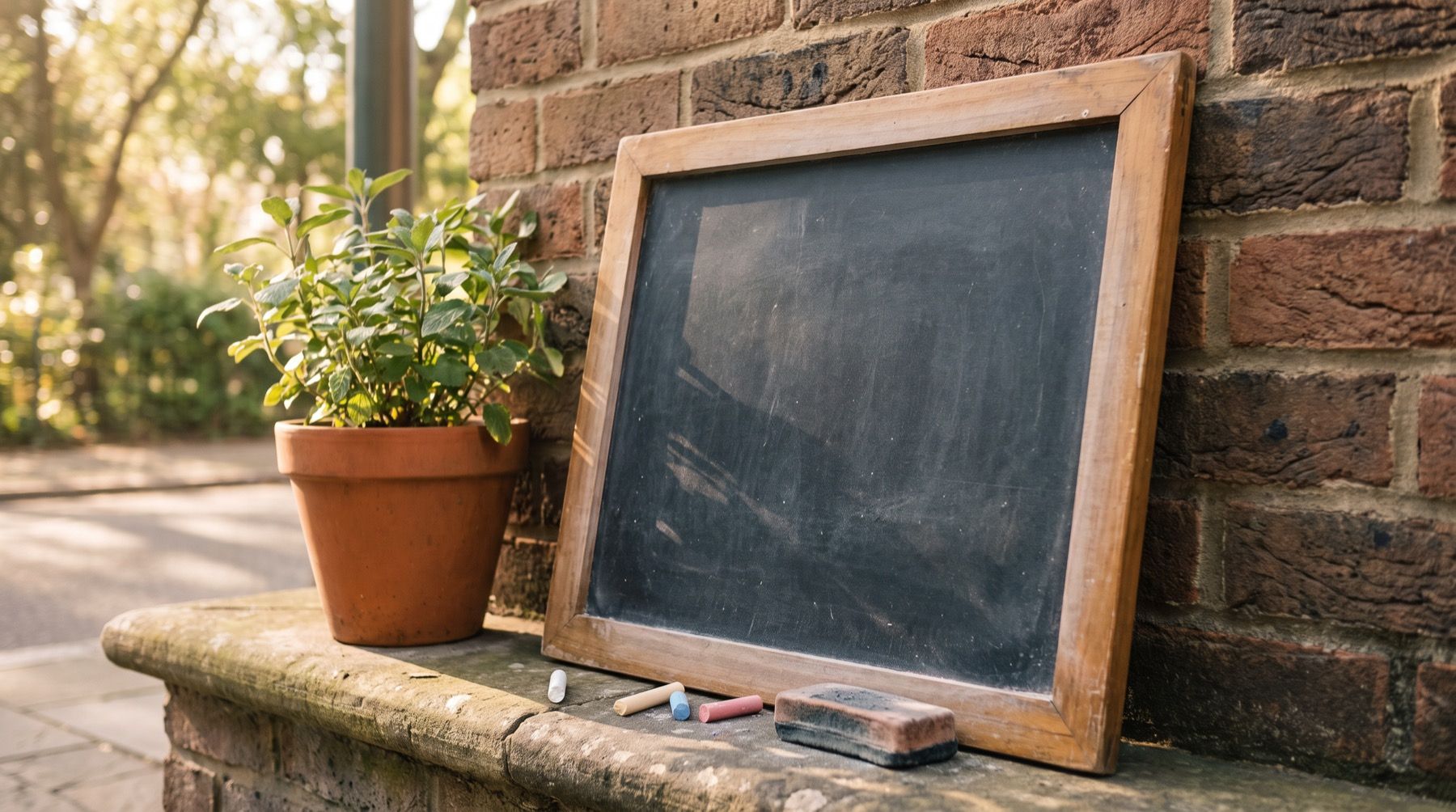
If one line changes on Friday, you may need a specials board more than a subscription. Choose menu board ideas around the updates your staff actually make.
For a digital setup, count the full screen bill. Yodeck Basic costs USD $24/month for three screens on monthly billing, checked November 2026. Adding a second screen makes every screen paid. The free first-screen headline is not the three-screen price.
Match chalk, print or TV to your weekly menu changes
Write down the last few changes to your menu. Separate price edits, sold-out items, daily specials and meal-time switches. Then name the person who makes each change.
A handwritten special is practical when that person is beside the board. It becomes less practical when one owner needs to update several venues. A digital menu has a different cost: power, a player, software and a routine for checking the result.
| Format | Good fit | How you update it | Main ongoing work |
|---|---|---|---|
| Printed board | Stable core range | Replace the print | Keep a current editable source |
| Chalkboard | Short specials beside the counter | Erase and rewrite | Maintain clear lettering and prices |
| Changeable letters | Small lists and brief notices | Swap letters and numbers | Keep spacing and enough spare characters |
| TV menu | Timed menus or frequent remote edits | Edit and send content through a player | Check playback, power and connectivity |
| Printed core plus a specials board | Stable range with a few daily changes | Update only the changing section | Keep overlapping information consistent |
Keep item prices and extras together
A customer should be able to match an item to its price without searching across two boards. If the drinks are on one board and extras on another, make that arrangement obvious.
Use the same item names on the board and at the till. Staff should not have to translate each order.
For a bakery, keep the core bread list steady and reserve a short section for today’s bake. For a small restaurant, separate lunch and dinner if the kitchen does. For a café, put regular coffee choices ahead of the seasonal drinks story.
The menu board gallery shows digital starting points. Our coffee-counter ideas cover drink groups and size prices in more detail.
Design for the board instead of shrinking the print file
A menu held in the hand can carry detail that an overhead board cannot. Shorten the list or divide it by service before making the text smaller. A bigger screen is not permission to put every dish on it.
Yodeck’s document guide confirms it accepts familiar office formats:
Yodeck supports PDF, Word, Excel, and PPT file types.
The same guide says documents play as uploaded. Choosing a digital board therefore does not remove the layout work. For a menu that starts as a document, follow the PDF-to-TV guide before deciding it needs new software.
Three screens need three paid Yodeck licenses
Yodeck’s pricing FAQ, checked November 2026, says a multi-screen account pays for every screen. Basic costs USD $8 per screen/month on monthly billing: $24 for three screens. Its annual Basic offer includes a 1 GB player, so compare that hardware offer separately.
Kinosign makes a competing product, so weigh our view with that in mind. Its draft pricing is USD $6 per extra screen/month, with the first three screens free. Three screens would be $0/month. The service is pre-launch; hardware and tax are separate. See pricing for the proposal.
Keep Yodeck if its players and menu workflow already fit your shop. Keep print or chalk if the menu is stable and staff can maintain it. Compare the work as well as the subscription.
Use the next menu update to compare the work
Compare the full edit: approval, replacement and reading the installed board. For a TV, include restarting the setup. For print, include replacing the old copy. For chalk, read the smallest line from the queue.
Keep a printed menu ready if you choose screens. If only one line changes each Friday, a small specials board may be enough.
Use your next price change as the trial. If the menu needs a new layout, import its PDF into the free menu maker and compare the result with the board you already use.
Sources
Vendor prices and plans were checked against each linked page in November 2026. They change often, so open the page before you buy.